Elementor vs Divi 5: Which WordPress Builder Should You Choose?
Elementor starts with a free WordPress plugin; Divi 5 offers a paid theme and visual builder with unlimited-site plans. Compare real workflows and long-term costs.
The differences that actually change the decision.
Which builder makes sense for your real website?
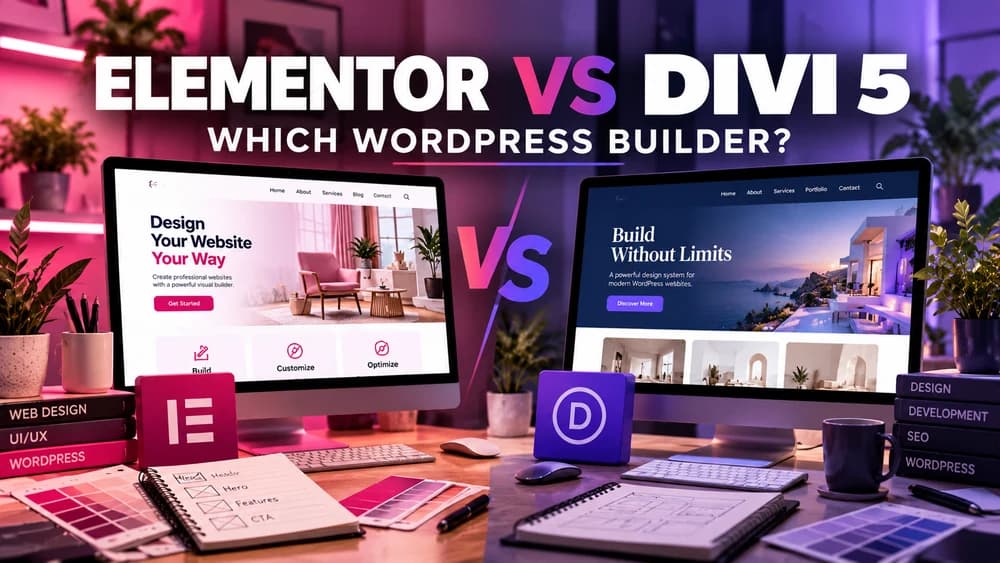
Elementor and Divi 5 are both visual WordPress site builders, but the decision depends on existing themes, how many websites you maintain, what your store must do and who will be responsible for edits. Neither product is automatically best for everyone.
This guide uses official vendor documentation reviewed on October 18, 2026. Claim26 has not benchmarked identical live installations and does not claim independent speed measurements.
Free Core plugin versus paid Divi membership
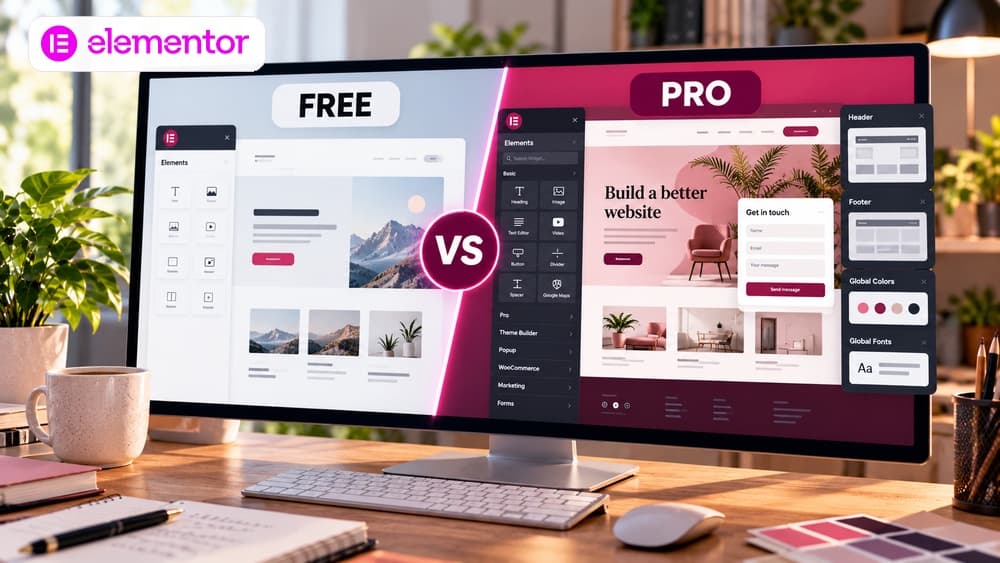
Elementor Core is a free plugin that works with a compatible WordPress theme. Its basic containers, images and page-building tools are enough for an initial website page; more advanced site templates and commerce widgets are allocated across different paid Pro tiers.
Divi is a paid product from Elegant Themes. Its theme includes the Divi Visual Builder; alternatively, the Divi Builder plugin can be used with another compatible theme. A lifetime membership is a one-time licensing option, not a permanently free editor tier.
Run the same small design brief in both editors
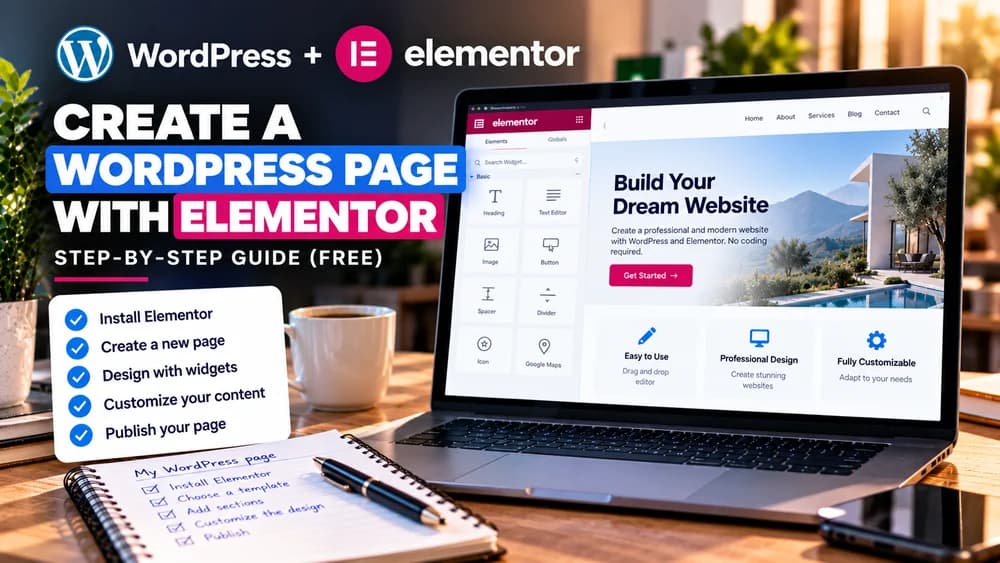
Imagine a local restaurant needs a homepage with a hero photograph, opening hours, its menu and a reservation link. Build that page with the blocks and controls included in the relevant Elementor tier, then try the equivalent layout with Divi 5 modules and templates.
Pay attention to everyday tasks: changing typography, fixing spacing on mobile, editing the shared header and finding a setting several weeks later. The most useful test is repeatable maintenance, not the longest list of available widgets.
Theme templates, headers and footers
Elementor works as a plugin alongside a WordPress theme. Its Pro Theme Builder can create site-wide templates, but dynamic content and certain advanced editing options vary by plan. A compatible existing theme might already cover some of those needs.
Divi can be the theme itself and provides a Theme Builder. Divi 5's complete-site editing integrates work across headers, footers and page content more closely. For either product, test global template changes on staging before publishing them across the entire site.
WooCommerce: check the exact paid tier
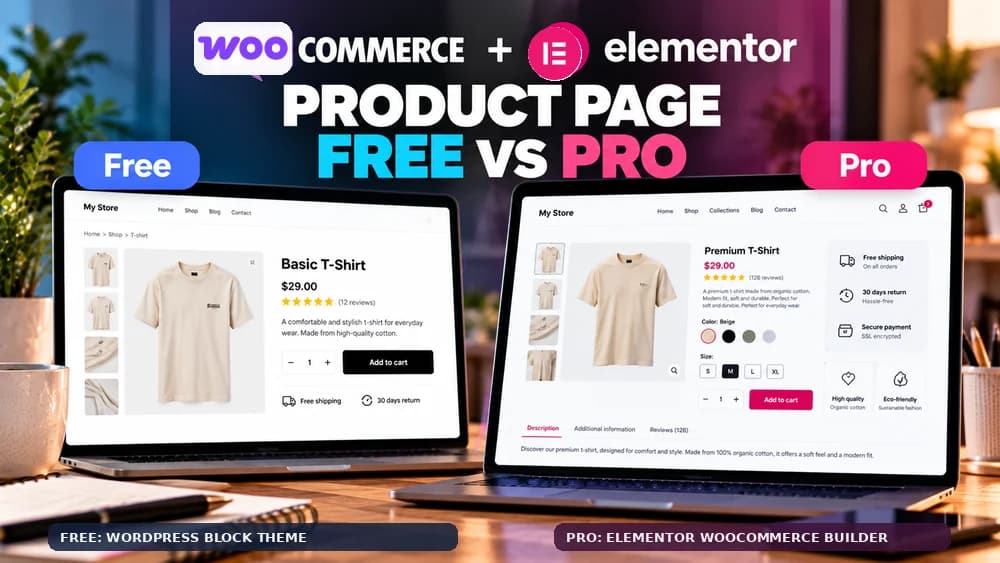
Elementor's WooCommerce-focused widgets are available on eligible paid tiers, while the entry Essential package does not include the full e-commerce set. Verify the cart, checkout and product widgets against the actual subscription rather than assuming every Pro plan has identical features.
Divi also provides WooCommerce design modules. A usable shop still needs working variable products, inventory, payment, transactional emails, shipping extensions and accessible mobile forms. A beautifully styled storefront mockup is not a checkout test.
Licensing and a realistic three-year budget
Elementor provides the free Core editor and tiered Pro subscriptions, with site limits that differ by plan. Compare actual renewal totals, taxes and the number of websites you manage; promotional monthly figures may hide annual billing.
Elegant Themes currently lists Divi at $89 per year and Divi Lifetime at $249 once for unlimited sites. Extras such as Divi AI, Cloud, VIP and Teams are not automatically lifetime services and may carry recurring fees. Those figures were read from the official pricing page on October 18, 2026 and may change. Hosting, domains and premium extensions belong in a separate operating budget.
One website and a multi-site agency have different priorities
For a single brochure site, Elementor Core may be the sensible first choice if its controls are enough. You can decide whether Elementor Pro is worth its subscription after identifying one essential missing feature.
For developers maintaining many WordPress websites, Divi's unlimited-site license and one-time payment option may be financially attractive. Training the team, support handover, third-party integrations and maintenance time matter just as much as the sticker price.
Performance, accessibility and search visibility
Divi 5 introduced major changes and still receives updates, but claims of better real-world speed need like-for-like testing. Elementor evolves too. Server performance, the theme, tracking scripts, cache settings and image files may matter more than the editor brand.
Measure mobile loading and layout stability, inspect heading order and keyboard navigation, and ensure links and forms are usable. Neither builder guarantees search rankings, accessibility compliance or an uplift in conversions.
What happens if you switch to the other builder?
Divi and Elementor store builder-specific layouts and styling settings. Moving from one to the other may require recreating template layouts, sections and component interactions. Keeping WordPress content does not make proprietary design structures interchangeable.
Back up the files and database, clone the site to staging, recreate one representative page and inspect its header, forms, links, cart and mobile display. If an established site works well, migration cost can erase any short-term license saving.
Make a decision from three concrete requirements
Write down the tasks you cannot compromise on: perhaps a WooCommerce variable product page, a site-wide header and ten licensed websites. Compare which plan includes each function, then estimate one- and three-year ownership costs. Test before committing when possible.
Start with Elementor Core if a free starting point is valuable. Divi requires a paid membership, so review its current demo and refund terms. Claim26 may earn a commission from Elementor partner buttons at no extra cost; Elegant Themes links in the source list are official informational references, not advertised affiliate links.
Check these four signals.
✓Compare an equivalent test page
✓Check the required WooCommerce tier
✓Budget for three years
✓Back up before migrating
The safest way to choose is to build a small real-world workflow.
Test the part of the customer journey that matters most before moving your entire system.
Official sources for this guide
Software pricing and features can change. Review the official documentation below before choosing a product or plan.