How to Run an SEO Audit with Semrush in 2026
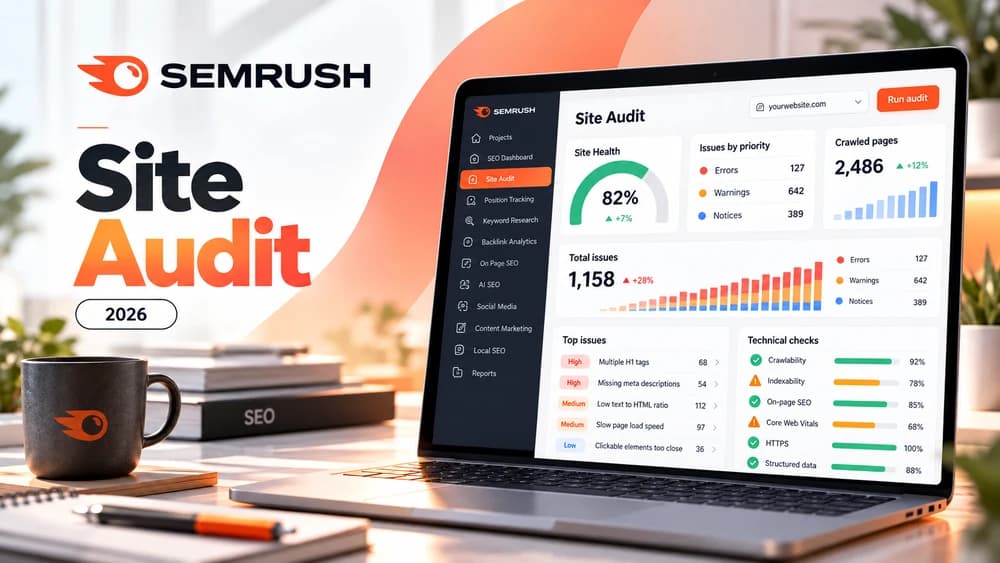
Site Audit crawls a website, groups technical problems by severity and checks more than 140 technical and on-page issues. Prioritize problems that affect crawling, indexing and important pages, then rerun the audit to verify the fixes.
Set the correct crawl scope before launching the audit
Site Audit can crawl a domain, subdomain or subfolder. Before the first run, make sure the scope matches the part of the site you actually want to diagnose, especially when several languages or environments share the same domain.
A poor scope produces either an incomplete report or a large amount of irrelevant noise. Start with the main production area and narrow the crawl only when there is a clear reason.
Review errors before warnings and notices
Semrush groups Site Audit findings into errors, warnings and notices. Errors are the most severe, warnings are medium severity and notices contain lower-priority information that may still be useful.
That hierarchy prevents random fixing. Start with problems that can block crawling, indexing or access to important pages before spending time on minor observations.
Focus first on issue families that can affect visibility
Semrush documents more than 140 technical and on-page checks, including broken links, duplicate content, HTTPS, hreflang, crawlability and indexability. Site Audit also includes checks related to AI-search readiness.
Treat the report as a diagnostic system rather than a requirement to eliminate every notice. A recommendation matters when it reflects a real problem in the architecture, templates or important pages.
Inspect affected pages before applying a site-wide fix
The Crawled Pages report lets you inspect URLs, status codes, issues, crawl depth and other technical information. That helps distinguish an isolated error from a template-level problem affecting many pages.
Open representative examples before changing a global component. A broad fix made at the wrong level can introduce more issues than it solves.
Choose the right crawl source so important URLs are not missed
A website crawl starting at the homepage follows discovered links, so important but poorly linked URLs can be missed or reached late. Semrush also supports a sitemap from robots.txt, a specified sitemap URL and a CSV or TXT list with one URL per line. The right source depends on whether you need a site-wide picture or a reproducible check of selected pages.
For example, if you fixed twenty product URLs that are not all linked from the navigation, audit that list directly, then expand to the whole site. Keep the source, scope and page limit consistent when comparing before and after results. Official guide: https://www.semrush.com/kb/539-configuring-site-audit.
Troubleshoot an audit that misses pages or cannot start
If Site Audit finds no pages, first check that a representative public URL works, then verify the configured domain or subfolder, robots.txt directives, crawler blocks and any login gate. A robots.txt disallow rule is not the same as a noindex directive, and neither should be removed merely to make a report appear fuller.
JavaScript-heavy pages can also appear incomplete when JavaScript rendering is disabled. Semrush currently lists JavaScript rendering for Guru and Business SEO Toolkit plans, so do not assume it is included in a free setup. Re-run a small reproducible sample after each change to confirm exactly what became crawlable. Official troubleshooting: https://www.semrush.com/kb/681-site-audit-troubleshooting.
Use crawl depth and internal link rank to prioritize important pages
In Site Audit, open Crawled Pages and use the Internal Link Rank (ILR), crawl depth, incoming internal links and HTTP status columns together. Semrush also lets you filter issues and sort by pageviews when Google Analytics is connected. That helps distinguish a broken link leading to a major product or service page from a low-impact notice on an obscure URL. The official report documentation describes these filters and the single-page view: https://www.semrush.com/kb/543-site-audit-crawled-pages.
For example, imagine an important service page that sits four clicks from the homepage and has only one incoming internal link. Confirm it belongs in the site's main navigation or a relevant category before adding useful contextual links. Then inspect its HTTP status, canonical URL and actual user journey. ILR is a Semrush diagnostic indicator, not a Google ranking factor or a guarantee of indexing; changing it without improving navigation is not a meaningful SEO outcome.
Check Google indexing separately from the Semrush crawl
A URL marked as crawled in Semrush proves that the Semrush crawler discovered or fetched it under the selected project settings; it does not show that Googlebot crawled the same URL or that Google included it in the search index. Check the exact canonical URL in Google Search Console's URL Inspection tool and review the Page indexing report when an important page remains absent from Google. Compare the site's indexability, robots rules, response status, internal links and sitemap with what each tool actually measures.
Consider an illustrative case: a product guide is HTTP 200 and appears in Semrush Crawled Pages but is not indexed by Google. Do not declare the Semrush report wrong or submit the unchanged sitemap repeatedly. First inspect Google's reported status, page quality and discoverability, then make only justified corrections and allow time for recrawling. Google explains that crawling and indexing are separate processes and that a sitemap or crawl request does not guarantee indexation: https://developers.google.com/search/docs/crawling-indexing/troubleshoot-crawling-errors.
Prioritize the findings with a concrete three-step example
Suppose Site Audit reports a broken navigation link, several similar meta descriptions and lower-severity notices on secondary pages. Repair the link preventing access to a valuable page first. Then inspect the pages with similar descriptions to decide whether they answer separate questions; do not bulk-rewrite titles or descriptions without checking intent.
Errors, warnings and notices represent severity classes, but page importance still matters. For each fix, record affected URLs, confirmed cause, repeat-crawl result and any later Google Search Console change. A Site Audit issue disappearing is evidence of a technical fix, not by itself proof of better rankings. Official reference: https://www.semrush.com/kb/541-site-audit-issues-report.
Site Audit versus Backlink Audit: fix the right problem
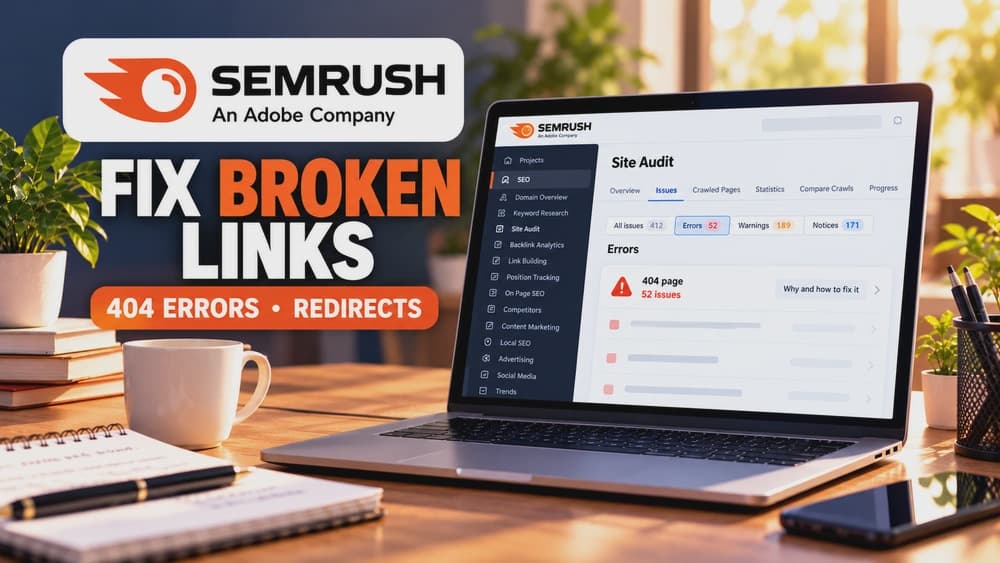
Site Audit examines your own website's pages for broken internal links, inaccessible URLs and indexing or crawling issues. Semrush Backlink Audit is a separate product for links pointing from third-party sites to yours. Fix an internal navigation 404 on your website; do not treat it as a reason to disavow an external domain. Semrush reference: https://www.semrush.com/kb/295-backlink-audit-tool.
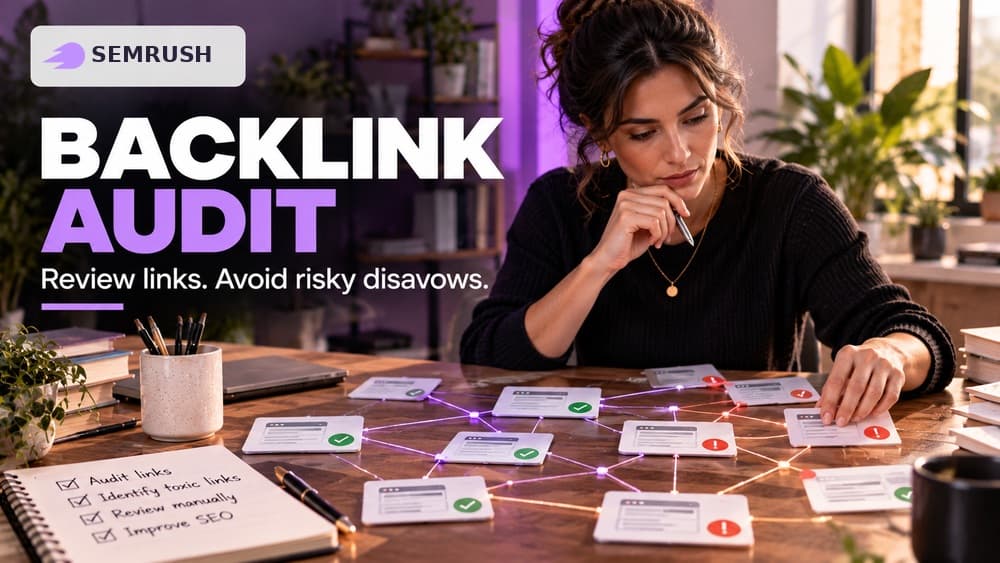
A backlink toxicity score is a review signal, not proof of a Google penalty. Inspect the source page, editorial context, anchor text and any actual manual action in Search Console. Avoid automatically uploading every link flagged by a third-party score to Google's disavow tool.
Google explains that most sites do not need the disavow tool. Its criteria cover a considerable number of artificial or spammy backlinks plus a manual action or genuine risk of one. If you participated in such links, seek their removal first and read Google's official procedure: https://support.google.com/webmasters/answer/2648487?hl=en. A handful of unfamiliar inbound links is not enough.
Illustrative triage, not a Claim26 hands-on audit: a navigation 404 requires a Site Audit fix; one unsolicited inbound link requires context before action; a paid-link scheme with a real manual-action risk requires careful review under Google's guidelines. Avoid damaging useful incoming links through indiscriminate disavowal.
Reaudit a fixed URL first instead of recrawling the entire project
The Crawled Pages report includes a Reaudit action for an individual URL. After fixing a broken internal link, canonical tag or other page-specific issue, use that action to check the affected page's HTTP response, issue status and updated markup before consuming more of the project's crawl allowance on a full-site scan. Semrush documents this single-page check in its official Crawled Pages guide: https://www.semrush.com/kb/543-site-audit-crawled-pages.
Reserve a complete fresh crawl for template-wide changes or a group of pages where broader coverage is needed. Compare like-for-like crawl scope, URL source and page limits. A repaired Semrush finding is not a claim that Google has indexed the URL or that its ranking improved; review those outcomes separately in Search Console.
Rerun the audit and compare the result with real search data
After publishing fixes, rerun Site Audit to confirm that the targeted errors have actually disappeared. Trend reports can also reveal whether a problem returns after later site changes.
Then compare the technical results with Search Console and real performance. An audit is useful when it improves crawlability and user experience; a higher tool score is not the end goal by itself.
Check these four signals.
✓The crawl scope matches the correct production area
✓Errors are reviewed before lower-priority notices
✓Affected URLs are inspected before broad fixes
✓The audit is rerun after publishing changes
Need the bigger picture before choosing a plan?
Open the current offer and check Semrush pricing, limits and features before deciding on a subscription.
Official sources for this guide
Software pricing and features can change. Review the official documentation below before choosing a product or plan.