Semrush Backlink Audit: Review Toxic Links Without Risky Disavows
Review backlink toxicity markers, separate legitimate citations from artificial schemes and consider disavow only under Google's strict criteria.
Start with the correct audit: backlinks are not broken internal links
Semrush Site Audit crawls pages on your own website to discover technical and internal-link problems. Backlink Audit reviews inbound links from other websites. The first helps repair how a site works; the second helps explain who links to it and whether any link-building practices warrant investigation.
This independent guide walks through the Backlink Audit workflow from scope and anchor texts to reviewing toxicity markers, keeping legitimate citations, removal requests and Google disavow criteria. It is grounded in Semrush and Google documentation, not a claim that Claim26 ran a customer campaign or measured ranking improvements.
Step 1: configure the domain scope, brand and target markets
Create a Backlink Audit campaign for the intended domain. Semrush distinguishes between types of domain scope; tracking only the www host can exclude inbound links pointing to non-www or other subdomains. Verify the scope matches the actual site before interpreting totals.
Add your brand and common name variants, business categories and relevant target countries. These inputs help contextualize anchors and referring sites. A multilingual business may earn legitimate foreign-language links, so geography alone is insufficient grounds for a spam verdict. Official setup guide: https://www.semrush.com/kb/579-configuring-backlink-audit-tool.
Step 2: distinguish the backlink sample from your full link profile
Semrush builds its report from links its systems have discovered. The integration panel supports connecting Search Console to bring another source of referring links into the analysis; GA4 and other available sources may also appear. Enable integrations only where you have the right permissions and a reason to use the additional data.
An absent backlink is not proof that it does not exist; link discovery and refresh dates differ between tools. Log scope, collection date and integration state before using week-to-week counts as a trend. Semrush reference: https://www.semrush.com/kb/945-backlink-audit-google-accounts.
Step 3: investigate referring domains, specific URLs and anchors
Open the Audit report and switch between the Domain and URL views. Inspect which source page links to which destination, the link's anchor, context and attributes such as follow, nofollow or sponsored. A naturally earned editorial mention should not be evaluated like a large group of identical keyword-rich links on unrelated pages.
Semrush uses groups such as For Review, Whitelist and All links. Whitelist verified natural mentions to keep your review queue useful, but do not mistake an internal Semrush list for instructions issued to Google. You can use anchor categories and filters to locate relevant samples efficiently. Reference: https://www.semrush.com/kb/580-auditing-your-backlinks.
Step 4: read the Toxicity Score as a clue, not a Google penalty
Semrush displays a toxicity score and the markers contributing to it. Its signals can highlight suspicious host characteristics, indexing patterns or questionable backlink contexts. These are indicators produced by Semrush, not a direct Google manual-action report.
Check context before acting on apparent false positives: a foreign news citation, nofollow link, brand rename or unusual but relevant anchor may be legitimate. A high score alone does not establish link manipulation or the need to disavow. Google gives substantially narrower criteria here: https://support.google.com/webmasters/answer/2648487?hl=en.
A repeatable decision matrix: keep, watch, request removal
Illustrative scenario, not firsthand Claim26 testing. Example A: an independent relevant article links to your product documentation; keep the citation after checking it. Example B: an automated directory with no editorial context links once; record and monitor it, then investigate whether it belongs to a larger artificial pattern. Example C: your previous agency bought a network of anchor-optimized links; investigate the contracts, affected URLs and evidence before deciding on remediation.
For every case, record the source URL, referring domain, destination, anchor, verified context, risk explanation, action and review date. This small evidence log is more actionable than sorting by a red number alone and helps prevent contradictory decisions by different reviewers.
Step 5: request removal of genuinely artificial links first
If a link was built primarily to manipulate rankings, contact the publisher and ask for removal or a suitable correction. Semrush documents a Remove workflow for organizing requests. State the exact URL and requested action; do not claim that the publisher has been penalized based on third-party software.
Keep a record of requests and replies. Avoid mass outreach to legitimate editors simply because one signal looks suspicious. The interface can also prepare a Disavow list, but creating a file is not evidence that uploading it is necessary or prudent.
Step 6: apply Google's disavow criteria before touching a file
Google says most sites do not need the disavow tool. Its guidance requires BOTH a considerable volume of spammy, artificial or low-quality inbound links AND an actual manual action or realistic risk of one caused by those links. A single suspicious-looking domain or a higher Semrush toxicity score is not enough. Official guidance: https://support.google.com/webmasters/answer/2648487?hl=en.
If those criteria truly apply, seek removal first and verify the appropriate Search Console property. Google's disavow feature does not work directly on Domain properties; URL-prefix properties are required for the process. The text file may list URLs or use domain:example.com for an entire domain. Uploading a new file replaces the previous file for that property, so retain your prior list and check the scope carefully.
Step 7: monitor acquired, lost and broken referring domains
Semrush's Lost and Found report separates newly discovered, lost and broken referring domains. A valuable editorial citation that stops working may warrant fixing the destination page or contacting the publisher, but not an artificial link-building campaign. Official reference: https://www.semrush.com/kb/582-monitoring-your-lost-and-found-backlinks.
Review what changed after each cycle: legitimate links retained, removal requests actually completed and newly discovered sources. Compare search visibility separately in Search Console. Neither a cleaner report nor an improved proprietary toxicity score proves that Google rankings, conversions or commissions increased.
FAQ: should every flagged backlink be removed or disavowed?
No. Semrush's toxicity signals support manual review; they are not a Google penalty. Most websites should not use the disavow tool. Whitelisting a link inside Semrush helps manage the review queue, but the official documentation notes that it does not automatically eliminate all related toxicity markers from the overall score.
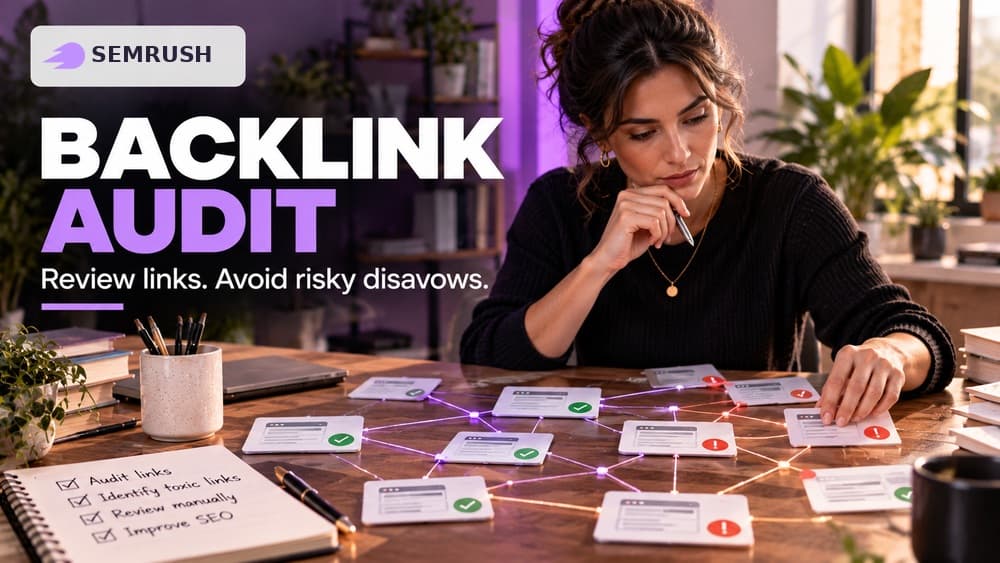
Backlink Audit can still be valuable when the outcome is to keep or monitor links. Before buying a Semrush plan, verify the currently offered product scope and limits. Some Claim26 links to Semrush are affiliate links and may generate a commission from an eligible purchase, at no added cost to the reader. The cover is AI-generated editorial art, not an authentic Semrush screenshot.
Check these four signals.
✓Campaign scope and brand variants are checked
✓Suspicious links are reviewed in their source context
✓Legitimate citations are protected from bulk disavow
✓Google's manual-action criteria are assessed before any upload
Need the bigger picture before choosing a plan?
Open the current offer and check Semrush pricing, limits and features before deciding on a subscription.
Official sources for this guide
Software pricing and features can change. Review the official documentation below before choosing a product or plan.