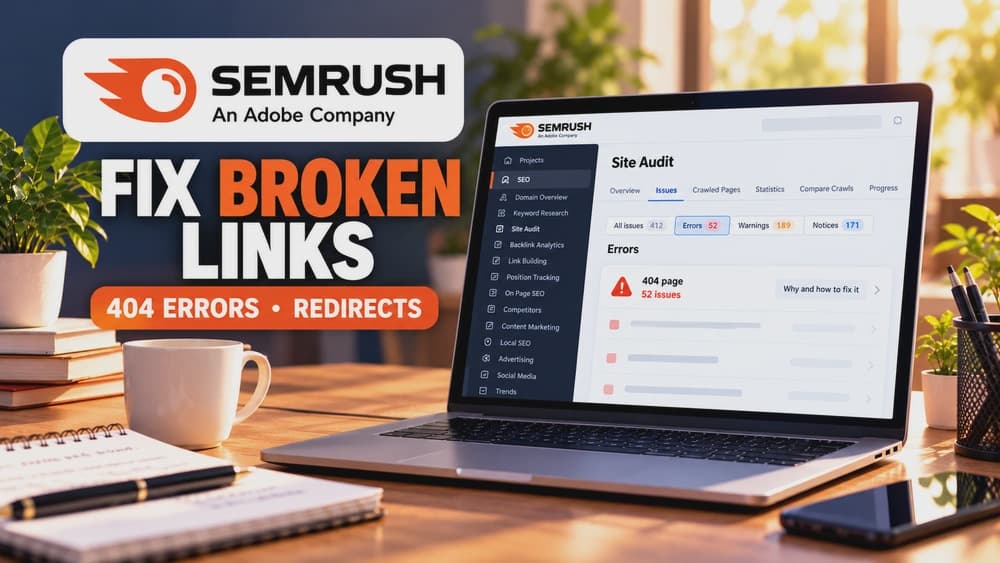
How to Fix Broken Links with Semrush: 404 Errors and Redirect Decisions
Use Semrush Site Audit to locate both a broken target and the page linking to it, verify the actual response, then update the link or make a justified redirect without concealing intentional 404s.
Broken links are a navigation problem, not a reason to redirect everything
A broken internal hyperlink sends visitors from a working page to a destination that no longer provides the promised resource. The useful first fix is often to correct the linking page rather than build a chain of redirects.
An HTTP 404 response is not automatically an SEO emergency. If material is intentionally gone and no equivalent replacement exists, a real 404 or 410 is appropriate. This guide focuses on decisions for individual broken links, not on configuring an entire Semrush Site Audit.
Use Semrush Site Audit to locate the source and target of each broken link
Open the Issues report for a completed Site Audit and search for broken links. Semrush provides separate findings for broken internal links and broken external links, with details about the pages that contain those links and their failing destinations.
Record the linking page, the requested target and the HTTP status reported by the crawler. Looking only at a 404 target without finding its incoming links risks leaving the original broken navigation in place.
Prioritize important user journeys instead of treating every alert equally
A link to a missing pricing guide from your main navigation matters more to users than a long-forgotten reference from an old archive. Sort the affected source pages by their importance to discovery, purchase decisions and common support tasks.
Open the target yourself and check its final URL and actual response status. An older cached crawl or a temporary bot block can differ from what visitors now see. A Semrush error is a diagnostic signal, not permission to bulk-edit a website without confirming an example.
Make a different decision for typos, moved pages and content that is truly gone
If the destination exists under a slightly different address, change the source link to the correct URL. If a page permanently moved to an equivalent resource, update the internal link and consider a permanent 301 redirect from the old address for visitors with saved links.
If no useful replacement exists, remove the outdated link and return a genuine 404 or 410 for the missing resource. Redirecting every vanished URL to the homepage conceals the missing content without giving visitors an equivalent answer.
Investigate false positives when live pages appear broken to the crawler
Semrush explains that working pages can be reported as broken when its crawler is blocked or throttled, when DNS temporarily fails or when server caching supplies outdated responses. These situations should not trigger an automatic content deletion or redirect.
Compare the current browser result with the audit timestamp and any available server logs. If the issue is specific to a legitimate crawler, review its access and crawl speed, then run a follow-up check. Keep anti-bot protections in place unless a precise safe adjustment is justified.
Understand why soft 404 reports require a separate check
Google uses the term soft 404 for pages that appear to be missing or largely empty while returning HTTP 200. The apparent success code does not mean that search engines have found useful content on the page.
If the resource is no longer available, return a real 404 or 410. For a permanent move, use an appropriate redirect. If the original content should still be there, investigate missing resources, server errors or incomplete rendering, then verify the URL in Google Search Console.
Work through a concrete three-link triage before bulk changes
Consider a fictional site: an old tutorial URL now has a direct successor; an obsolete product photo was deleted with no equivalent; a third page is listed as broken by the audit tool but loads normally in a browser.
Update the tutorial link and keep a permanent redirect for its true successor, remove the deleted image reference and retain a 404, and investigate crawler access before changing the working page. This is a teaching example, not a claim that Semrush or Claim26 produced these particular results.
Verify the fixed paths and compare results only after a fair interval
Test each corrected link from its original source page, check the final response and rerun a focused crawl when allowed by your Semrush account. Record which alerts disappeared and which findings remain unverified rather than treating the audit health score as a ranking guarantee.
A lightweight log of source page, failing URL, response code, chosen action, new destination and verification date makes maintenance repeatable. Use Search Console data to review discoverability over time; do not claim that a single link fix caused an immediate ranking increase.
Check these four signals.
✓The linking source and broken target have both been checked
✓Legitimate 404s are not redirected to unrelated pages
✓Crawler false positives are independently reviewed
✓The repaired URL and originating link are retested
Need the bigger picture before choosing a plan?
Open the current offer and check Semrush pricing, limits and features before deciding on a subscription.
Official sources for this guide
Software pricing and features can change. Review the official documentation below before choosing a product or plan.