How to Recover Abandoned Checkouts with Systeme.io in 2026
Capture the contact before payment with a two-step order form, tag the checkout start, run a short delayed follow-up and use a confirmed sale to remove or exclude the buyer from later reminders.
Capture the contact before the payment fields appear
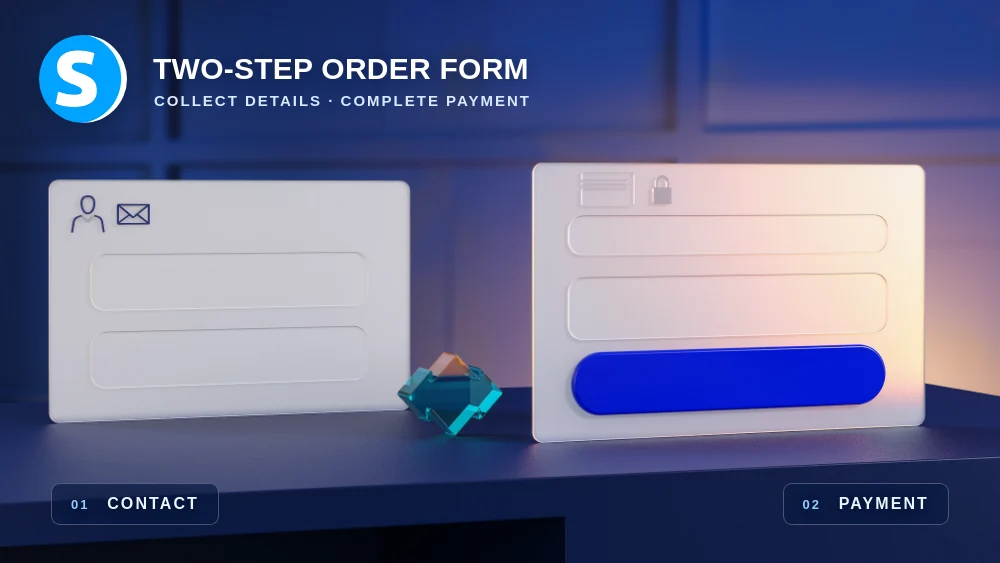
The foundation of this recovery method is the two-step order form. The first step collects contact information and the second step displays payment, which gives you a usable contact record even when the visitor leaves before completing the purchase.
This does not mean Systeme.io has to identify a formal abandoned-cart object. You are building the recovery logic from a known checkout-start event and the absence of a completed sale after a reasonable period of time.
Tag the contact when the checkout journey begins
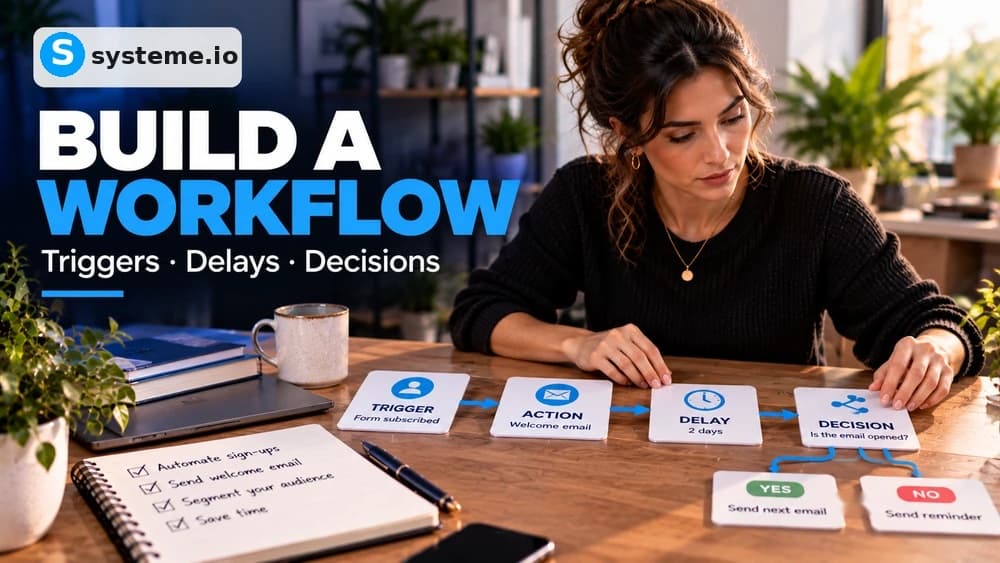
Use an automation trigger associated with the first order-form step to apply a simple status tag such as Checkout started. The tag gives later rules and workflows a readable way to distinguish people who reached payment from visitors who never entered the checkout.
Choose a name that remains understandable outside the original funnel. Before using it at scale, check whether any existing automation already listens for that tag so the new recovery flow does not accidentally start unrelated campaigns.
Send a short recovery sequence after an intentional delay
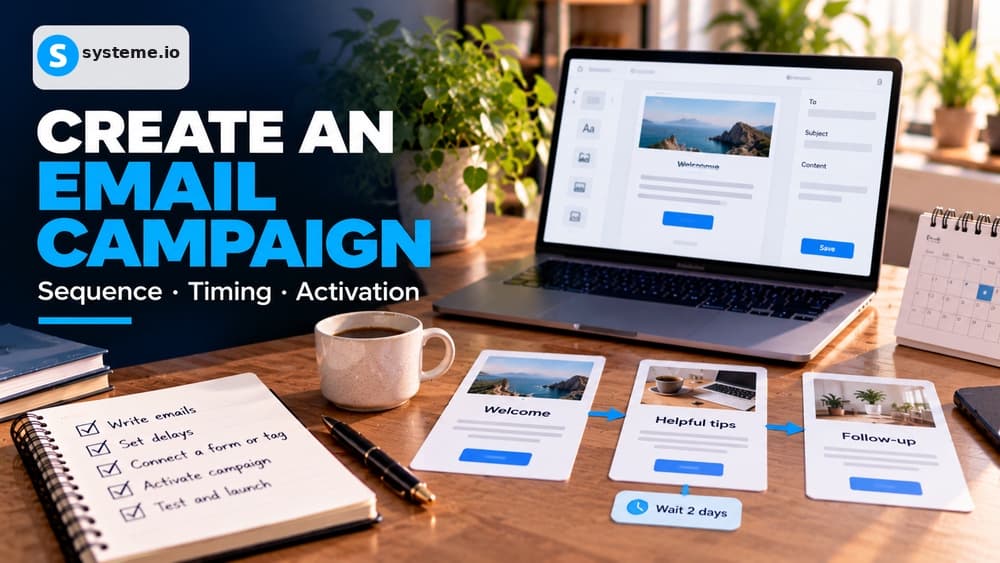
Subscribe the contact to a dedicated campaign or place them in a workflow that waits before sending the first reminder. The first message can simply restore context and link back to payment, while a second message can answer a common objection or reinforce what the buyer receives.
Keep the sequence short enough to stop cleanly after a purchase. Recovery should help a hesitant buyer resume the transaction, not turn one incomplete checkout into a long series of repetitive messages.
Use the new-sale event to identify buyers and stop follow-up
Systeme.io provides a New sale automation trigger that can add a customer tag, remove the checkout-start tag or launch another supported action. Use that confirmed sale as the signal that the person should no longer be treated as an abandoned checkout.
In a workflow, a decision based on the customer state can route buyers away from later reminders. If you use a campaign instead, unsubscribe the customer or otherwise exclude them so the recovery sequence cannot continue after payment.
Test reminders before adding automatic discounts to the strategy
The first recovery email does not need a coupon. A simple reminder, stronger reassurance or clarification about delivery can recover purchases without teaching visitors that leaving the checkout is the best way to get a lower price.
If a later test includes a discount, give it a specific role and measure whether it increases completed purchases enough to justify the margin reduction. The automation should support the commercial strategy rather than define it by default.
Run separate abandonment and purchase tests before sending traffic
Use one fresh test contact to complete the first checkout step and then leave before payment. Verify the tag, delay, campaign enrollment and reminder link from the actual inbox rather than relying only on the automation editor.
Use a second contact to complete a purchase and confirm that buyer status removes or excludes that person from the recovery path. This second test is essential because a reminder sent after a successful purchase immediately damages trust in the checkout experience.
Check these four signals.
✓Contact details are captured before the payment step
✓Checkout-start status is recorded with a clear tag
✓Recovery messages begin only after an intentional delay
✓A completed sale reliably stops or excludes later reminders
Need the bigger picture before choosing a plan?
Open the current offer and check Systeme.io pricing, limits and features before deciding on a subscription.
Official sources for this guide
Software pricing and features can change. Review the official documentation below before choosing a product or plan.