Systeme.io Two-Step Order Form: Capture the Lead Before Payment
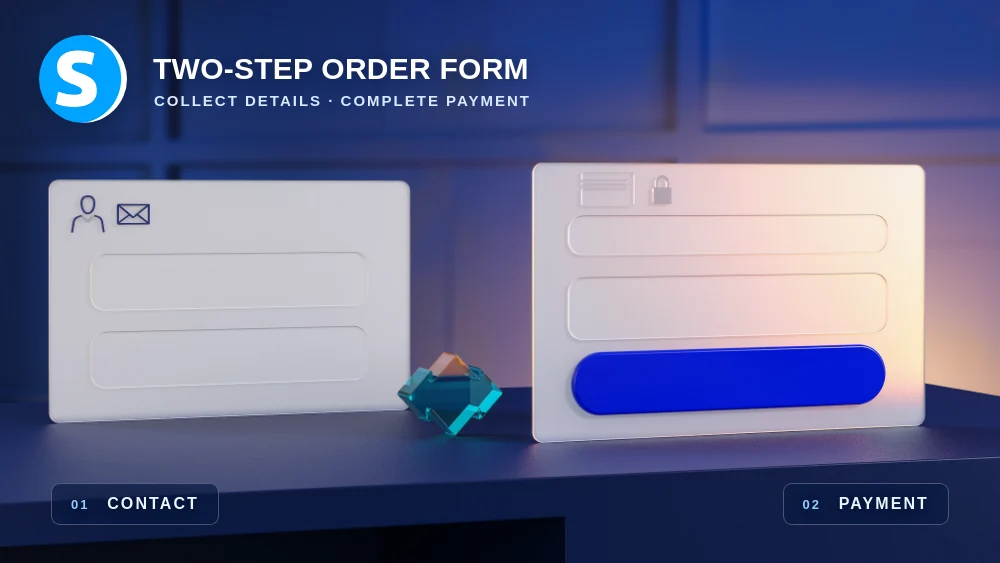
A two-step order form captures the shopper as a contact before payment details are completed. This gives you a measurable checkout-start event and a recoverable lead when the purchase is abandoned.
The main advantage is keeping a recoverable lead after checkout abandonment
On a standard checkout, a visitor can leave before you have captured any usable contact information. Systeme.io's two-step order form collects the contact details first and displays payment information only after that first step is completed.
Systeme.io states that people who complete step one are added to your contact list even if they never finish the purchase. That creates an opportunity to understand and recover part of the abandonment instead of losing the visitor completely.
Add the Two-step order form element to the payment page
Open the relevant order-form page in the editor and add the Two-step order form element. The first stage captures contact information, while the second stage contains the payment details required to complete the order.
Keep the first stage deliberately short. Every extra field adds effort before the buyer reaches payment, so collect only the information you genuinely need for identification, follow-up or compliance.
Use an automation rule to identify contacts who entered checkout
Because the contact is created after the first step, Systeme.io can trigger automation from the Funnel step form subscribed event on that order-form page. A simple approach is to add a tag that identifies people who started the checkout.
After a successful sale, use a separate sale-based automation to mark the contact as a customer or remove the checkout-start tag if that fits your tracking model. Keep the logic easy to audit before adding more branches.
Recovery messages should remove friction rather than manufacture pressure
If someone starts checkout and leaves, a useful follow-up can remind them where they stopped, answer a common objection or provide a direct route back to the order form. The message should help the buyer continue, not punish hesitation with artificial urgency.
Start with a short sequence and measure whether it creates completed orders. If the same objection appears repeatedly, fix the checkout or sales page itself instead of relying on more recovery emails.
Measure checkout starts separately from completed purchases
The number of contacts who complete the first step is not the same as the number of customers. Tracking both figures shows how many people reach payment but fail to finish, which is a different problem from low traffic or weak interest earlier in the funnel.
Use the gap as a diagnostic signal. A large drop after step one can justify checking payment methods, mobile usability, trust information, price clarity and technical errors before spending more on acquisition.
Test the abandoned and completed paths on mobile before launch
Run one test where you complete only the first step and another where you complete the full purchase. Confirm that the abandoned contact is created, the correct tags or follow-up are triggered and the successful customer receives the intended access or confirmation.
Repeat the checkout on a phone. Two-step forms reduce the amount shown at once, but poorly chosen fields, keyboard behavior or layout problems can still create friction at the exact point where the visitor is deciding whether to pay.
Check these four signals.
✓Step one collects only the information you genuinely need
✓Checkout starters receive a clear tracking tag or rule
✓Completed sales are measured separately from step-one contacts
✓Both abandoned and completed paths have been tested on mobile
Need the bigger picture before choosing a plan?
Open the current offer and check Systeme.io pricing, limits and features before deciding on a subscription.
Official sources for this guide
Software pricing and features can change. Review the official documentation below before choosing a product or plan.