How to Resend Unopened Emails in MailerLite (Auto vs Manual)
Want to send your newsletter a second time without mailing everyone again? MailerLite supports planned Auto resend campaigns and a separate manual resend action. This guide shows the setup, paid-plan restrictions and tracking caveats.
Why resend a newsletter at all?
A newsletter can reach an inbox without being noticed. MailerLite offers a second send aimed at subscribers who did not open or click the first campaign. That is a focused follow-up, not permission to send repeated copies to your whole list. A carefully chosen second subject may help when the original message contained a genuinely useful resource, an important update or a time-sensitive announcement.
Before doing anything, decide whether the second email adds value. A fictional hiking newsletter might include a packing checklist that readers requested. A reminder that clearly identifies that checklist is more defensible than another message with an exaggerated claim. The example in this guide is illustrative; Claim26 has not run a test campaign, measured an uplift or examined a subscriber's private data.
Choose automatic resend or a manual follow-up
MailerLite has two routes. Auto resend is configured before the initial campaign goes out and schedules a second version for eligible subscribers. It can use a different subject, a short personal note or changes to the content. This is the convenient option when you know in advance that your message deserves a controlled second attempt.
If the original campaign has already been sent as a regular newsletter, use the Sent campaigns area and the Resend to non openers action. You cannot retroactively turn that completed regular campaign into an Auto resend campaign. The manual option is better for a one-off decision informed by an actual campaign report, provided the original message had opening tracking enabled and recipients remain eligible.
Check Free versus paid access before building the campaign
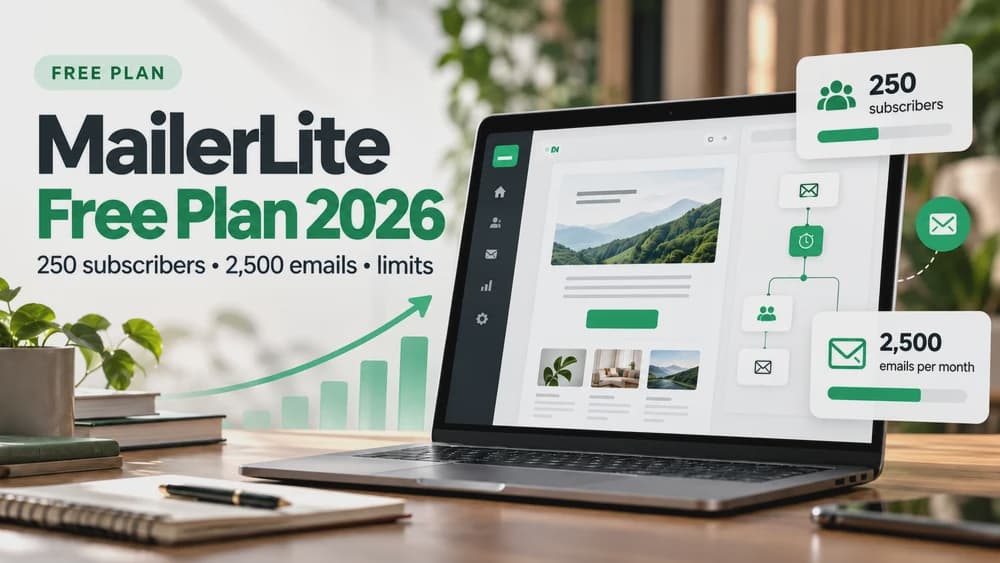
As of MailerLite's June 16, 2026 Free-plan update, the Free plan is limited to 250 active subscribers and 2,500 emails per month. These are account limits, not a statement that every premium campaign type is available. MailerLite's premium-trial documentation explicitly identifies Auto Resend campaigns as a paid feature that is no longer available after a trial ends unless you subscribe to a qualifying paid plan.
Do not confuse the paid automatic campaign type with the manual resend action. If you use Free, first confirm in your own account which manual functions are available and how the second send counts toward your email allowance. For example, if you mail 200 people and later resend to 80 eligible contacts, you have planned 280 messages, before counting other sends in the month. This calculation is illustrative, not a measured result.
Step 1: Create an Auto resend campaign
In MailerLite, open Campaigns, choose Create campaign and select Auto resend campaign. Give the campaign an internal name so you can recognize it in reports. Choose the eligible audience that actually subscribed to this type of newsletter. Review exclusions, unsubscribed contacts and any overlapping groups before you go further; a second attempt is not a reason to override consent.
Next choose how the second version will differ. You may change only the subject line, add a personal message above the existing email or change both the subject and body. The simplest starting point is a truthful second subject. If the first message promoted a useful checklist, avoid introducing a substantially different offer in the follow-up just to get an open. MailerLite's official guide documents these choices and the review step.
Step 2: Write two useful subject lines
Subject line A and subject line B should both describe the same resource honestly. In our fictional hiking example, the first could read 'Your weekend hiking checklist', while the follow-up says 'Still planning your hike? Here is the checklist'. The second formulation provides context without implying that the recipient has failed to do something or that the message is personally urgent.
Make the body and call to action consistent with what the person originally expected. Use a clear link label, confirm the destination and retain an obvious unsubscribe route. If you add a personal note, make it genuinely useful, such as one sentence explaining why the checklist matters. Do not forge a personal forward, invented customer testimony, fake scarcity or an implied purchase deadline.
Step 3: Decide who receives the second email
Auto resend can target people who did not register an open or those who did not click links in the first campaign. These are different rules. A non-opener rule attempts to reach those not detected as opening, while a no-click rule aims at people without a tracked link interaction. Which one matters depends on the action you are hoping readers will take.
Choose the rule with the limits of measurement in mind. Apple Mail Privacy Protection can record opens even without a genuine reading event. Security systems can automatically inspect links and register clicks. Neither metric is a perfect record of attention. If the newsletter is designed to drive a specific action, evaluate your own destination analytics or genuine conversions where lawful and technically available, instead of treating the open rate as final proof.
Step 4: Set the follow-up time correctly
MailerLite requires the automatic second send to be scheduled more than 24 hours after the first. The first campaign can be sent immediately or scheduled; the second must come later, with valid hour and minute values when you use a specific time. A missing or backwards schedule means the follow-up will not work as intended. Check the exact time zone in the account before confirming.
For a typical non-urgent newsletter, a delay of two or three days is a practical starting hypothesis, not a promise of better results. Check whether another campaign, automation or sales message will also reach the same audience during that period. If so, adjust the calendar or exclusions so your subscribers do not receive a cluster of unnecessary messages.
Step 5: Review and schedule both versions
MailerLite includes a review screen where you can check both subjects, both content variants, the selected recipients and the send timing. Preview the campaign on a narrow screen as well as a desktop layout. Confirm that the second version does not accidentally send a stale price, an expired offer or an outdated link from the first draft.
Send yourself a test message where possible and inspect the links in a real mailbox. Testing a draft does not prove that an account's entire delivery path will work, so record what was actually checked. When the campaign is live, use the Auto resend overview in its report to monitor the second send; MailerLite documents an option to stop the pending resend from this area when needed.
Manually resend a campaign that has already gone out
For a previously sent regular newsletter, open Campaigns, switch to Sent, locate the message, choose More and then Resend to non openers. Confirm the recipients before sending. MailerLite notes that this action is disabled when open tracking was switched off for the original campaign. A missing button should prompt a review of tracking settings rather than repeated clicks or a guess that the product is broken.
If a time-based recipient filter results in no eligible contacts, MailerLite documents a separate route: copy the campaign to drafts, remove the Last emailed restriction, then combine a 'was sent' filter with a 'was not opened' filter for that original campaign. This is a workaround to be used only after checking the exact filters and subscription permissions. It is not permission to send to unsubscribed contacts or a recommendation to bypass normal frequency limits.
How to tell whether the follow-up helped
Compare the first and second campaign reports and record the number of eligible recipients before drawing conclusions. A larger cumulative number of opens is not the same as an increase in sales. Look at unique clicks on relevant links, meaningful actions on the destination page and unsubscribe or complaint patterns. If your second campaign performs poorly, the content, audience fit and timing may be more important than another subject line.
Remember that tracking is imperfect. Apple privacy features can inflate apparent opens, and automated security scanning can generate clicks. Avoid quoting a promotional percentage such as '30% more' as a predicted outcome for your list. Keep campaign comparisons descriptive, and do not claim a statistically meaningful lift without an adequate method and actual data.
Common mistakes and a short pre-send checklist
The frequent mistakes are practical: selecting the full list instead of non-openers, forgetting that Auto resend must be prepared before the original send, setting a delay of 24 hours or less, assuming Free includes every paid feature, or relying on a metric that was not tracked. Another avoidable mistake is changing the follow-up offer so radically that the reader no longer recognizes the reason for subscribing.
Before launch, verify consent and exclusions; the selected recipient rule; both subject lines; actual links and unsubscribe details; account plan and remaining send allowance; a delay longer than 24 hours for Auto resend; and the overall email calendar. Record how you plan to judge the result. These checks protect your readers and make future comparisons more useful than sending another message simply because a dashboard suggests it.
Final recommendation: make the second send earn its place
A controlled resend works best when the initial campaign is genuinely worth revisiting. Prepare Auto resend in advance if your plan supports it, or use the manual option after reviewing an existing campaign. In both cases, prioritize a clear benefit, a limited audience and respectful timing. A second send is one part of an email strategy, not a substitute for useful newsletters.
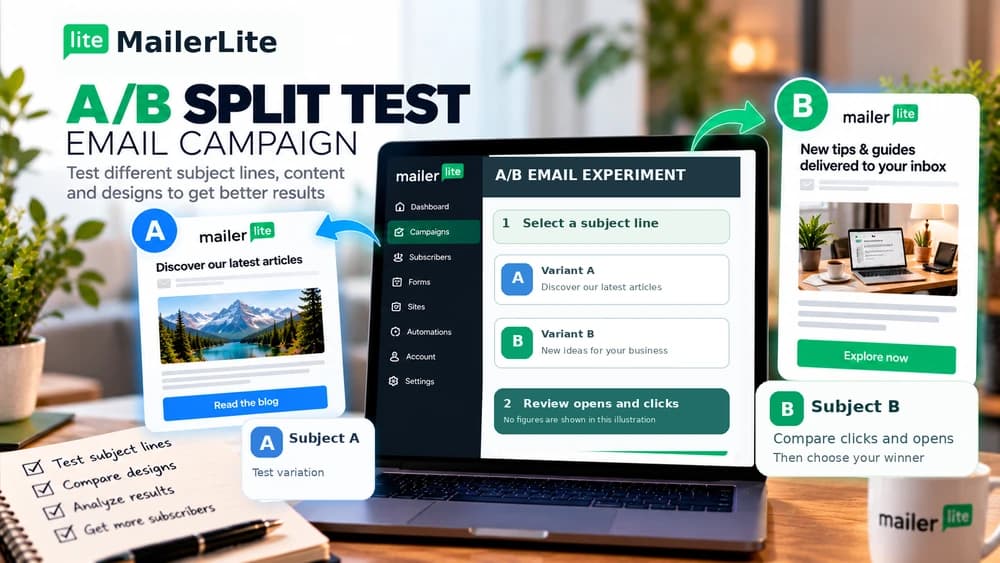
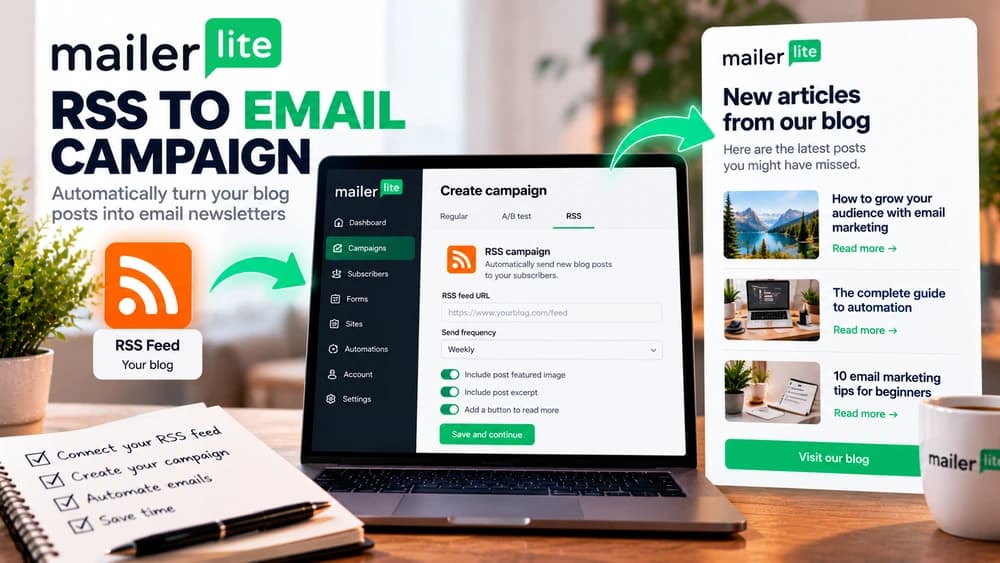
For more context, see Claim26's English guides on MailerLite A/B split tests, RSS-to-email campaigns and the Free plan. Those explain experimentation, scheduling and account limitations respectively. To try the workflow described here, check MailerLite's current offer and available features in your own account before committing to a paid subscription.
Check these four signals.
✓An authorized audience with clear resend exclusions
✓The correct Auto resend or manual workflow selected
✓A second send more than 24 hours later when Auto resend is used
✓Opens and clicks interpreted with known privacy and security limitations
The safest way to choose is to build a small real-world workflow.
Test the part of the customer journey that matters most before moving your entire system.
Official sources for this guide
Software pricing and features can change. Review the official documentation below before choosing a product or plan.