How to Build a MailerLite Landing Page on the Free Plan
Use the current builder to publish one focused signup page, confirm Free-plan quotas, choose a subscriber group, then test the mobile and confirmation paths.
Decide exactly what the visitor will receive
A MailerLite landing page is a focused destination with one useful next action. For a photography newsletter, that might be access to a concise location checklist after a visitor signs up. It is not automatically a complete business website, payment flow or membership system, even though more advanced tools exist elsewhere in the product.
Write down the offer, the intended audience and what happens after the form is submitted. Which subscriber group should receive the new address, what will the confirmation say, and where is the promised download hosted? A beautiful page without a working delivery path wastes interest. This example is hypothetical, not an account experiment conducted by Claim26.
Check the Free plan limits before choosing a template
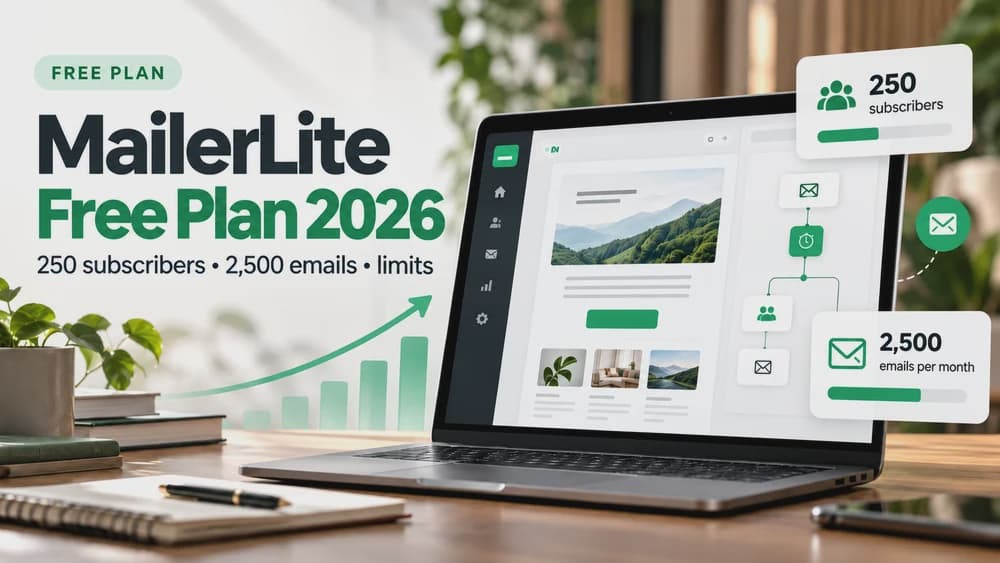
MailerLite updated its Free plan in June 2026. The currently documented limits are one published landing page, one website with up to five pages, three active forms, three automations, 250 active subscribers and 2,500 email sends a month. Older tutorials that mention ten free landing pages are describing previous plan rules.
Comfort currently allows up to ten landing pages and Power lists unlimited landing pages, but eligibility and billing should always be checked on the live official pricing page. Do not upgrade merely to test an idea: build one clear offer with the free editor, then decide whether additional pages would solve a genuine problem.
Start a landing page with the current MailerLite builder
Open Sites, use the Landing pages tab and select New site. Name the project, save it and choose the subscriber group associated with its signup form. This is the current builder flow rather than instructions for the retired Classic interface, so check the product help if you are viewing a legacy account.
MailerLite lets you start from scratch with drag-and-drop blocks or use an AI-guided generator. The AI landing-page creation capability is ordinarily attached to a paid plan, with one try available for Free users according to the product documentation. Build manually if your requirement is a repeatable no-cost workflow.
Design the hero for visitors who arrive from a single link
The top of the page should explain what the visitor gains and why it matters. A useful structure is a short benefit-led headline, a descriptive sentence, a sample image of the promised resource and one obvious signup action. Avoid vague statements such as changing your life or growing faster without explaining the concrete deliverable.
The current builder offers text, images, buttons, forms, ready-made sections, FAQs and brand styles. Use those blocks to create a short sequence instead of stacking unrelated features. Only include testimonials, customer counts or performance statistics that can be supported; fabricated numbers are neither a conversion tactic nor reliable evidence.
Use the signup block rather than a contact form
A contact form and a subscriber signup form are not interchangeable. MailerLite says a contact-form submission sends an inquiry to the account email address and does not add the visitor to the marketing list. To collect newsletter signups, select the actual signup-form block that is associated with the proper subscriber group.
Keep required fields minimal, particularly for a simple free download. Explain what subscribers will receive and how often you expect to email them. Permission to send future marketing messages should be transparent; avoid hiding additional uses of an address under the promise of a free file.
Understand confirmation emails and on-page statistics
Test the confirmation sequence when double opt-in is enabled. A subscriber should understand which action verifies the address and what happens after confirmation. If the download is meant to arrive in an email, confirm that the link works and that your automation does not depend on an inactive or unverified address.
MailerLite documents a subtle difference: a separate popup shown on a MailerLite landing page uses its own double-opt-in flow and analytics, whereas a signup-form block within the page contributes to the page's form reporting. Choose the approach deliberately and do not report popup submissions as if they were all measured by the page.
Adjust the layout in the mobile editor
The updated MailerLite builder has a Mobile editing mode. It allows device-specific alignment, spacing and block ordering; visible desktop sections do not always make effective mobile content. Check the promise, field and action on a narrow screen without relying on the visitor to zoom or scroll past oversized artwork.
Be cautious when deleting elements: the official guide notes that deletion can affect both mobile and desktop versions, while the visibility control offers selective hiding. Preview several realistic screen sizes, check tap targets and ensure the email field is not covered by a decorative graphic.
Choose a URL without risking an existing website
Free MailerLite landing pages can use a hosted address such as a subscribepage.io URL. Connecting your own domain is documented as a paid feature on Comfort and Power. If your primary domain is already serving a live website, using an approved subdomain for the landing page avoids the risk of replacing that site with a new page.
Review the SEO title, meta description, social-sharing preview and intended indexing behavior in the page settings. Some campaign pages are designed for paid or referral traffic rather than organic search, so keyword optimization is not necessarily the highest priority. Never change DNS or assume that publishing means Google has indexed the page.
Publish, verify, and read the right metrics
Save and publish the page after you finish the layout and settings. If you return to edit a published page, the product documentation warns that you need to publish the changed version again. Open the real public URL in a private window and complete the form with an email address you control before sharing the link widely.
Separate page visits from signup-form submissions, confirmed subscribers and eventual purchases. MailerLite supports website analytics and optional Google Analytics setup, but tracking integrations should respect local privacy rules and visitor consent. An internal test signup is evidence that the path works, not proof of acquisition or revenue.
Connect the page to the next marketing step
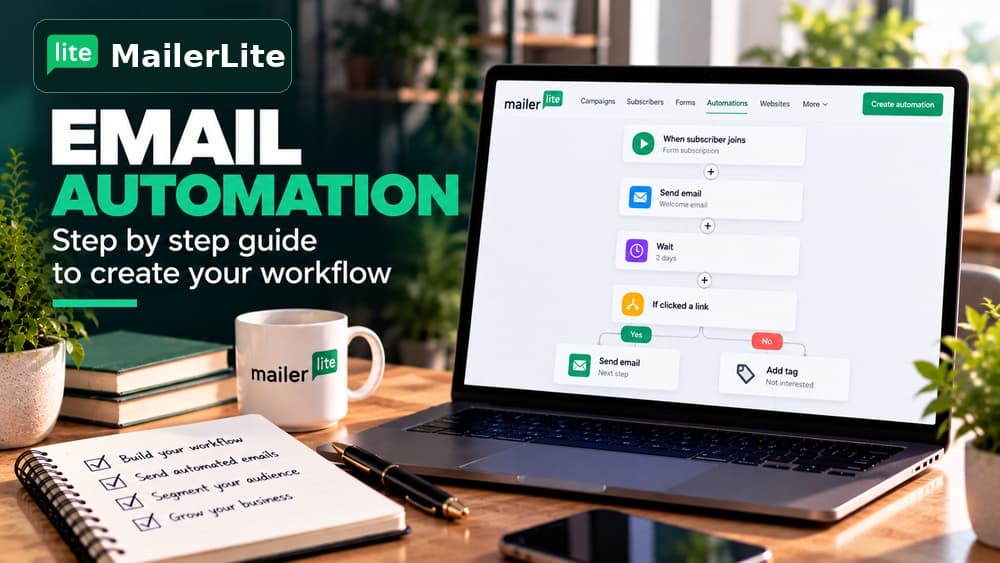
Once you have one working landing page, connect its subscriber group to a welcome message or a simple automated sequence only if the account includes the feature you need. Keep the promise made on the landing page consistent with the first email. Do not overload a small signup project with complex conditions before you have verified the basic path.
Claim26 already has separate guides for MailerLite Free, automation, double opt-in and domain setup. Those cover delivery and account decisions; this article is specifically about building and publishing the landing page. Review those guides before deciding to pay for additional pages or change email providers.
Check these four signals.
✓Current Free quota checked
✓Right signup block, not a contact form
✓Consent and opt-in flow understood
✓Mobile layout and public URL verified
Need the bigger picture before choosing a plan?
Open the current offer and check MailerLite pricing, limits and features before deciding on a subscription.
Official sources for this guide
Software pricing and features can change. Review the official documentation below before choosing a product or plan.