ElevenLabs Pronunciation Dictionaries: Fix Names and Acronyms
Create a small language-specific pronunciation dictionary, verify compatible models and versions, update only intended rules and approve the exported audio.
When a pronunciation dictionary is worth setting up
Picture a training team publishing twelve English product explainers each month. A company name appears in every introduction, and a technical acronym returns in each lesson. If the synthesized voice gets them wrong, editing the source script every time becomes unreliable. A small dictionary keeps the required pronunciation documented and reusable.
Do not start by loading hundreds of entries. Write down five recurring problem terms, their exact spelling, the desired spoken form supplied by the people who own the names, and a short sentence in which each occurs. A one-off typo may be better corrected directly in the script; a repeated name across many recordings is the stronger dictionary use case.
This is an instructional scenario, not an account-based test conducted by Claim26. The steps below identify what to check before a real recording is approved.
Choose alias rules before experimenting with IPA
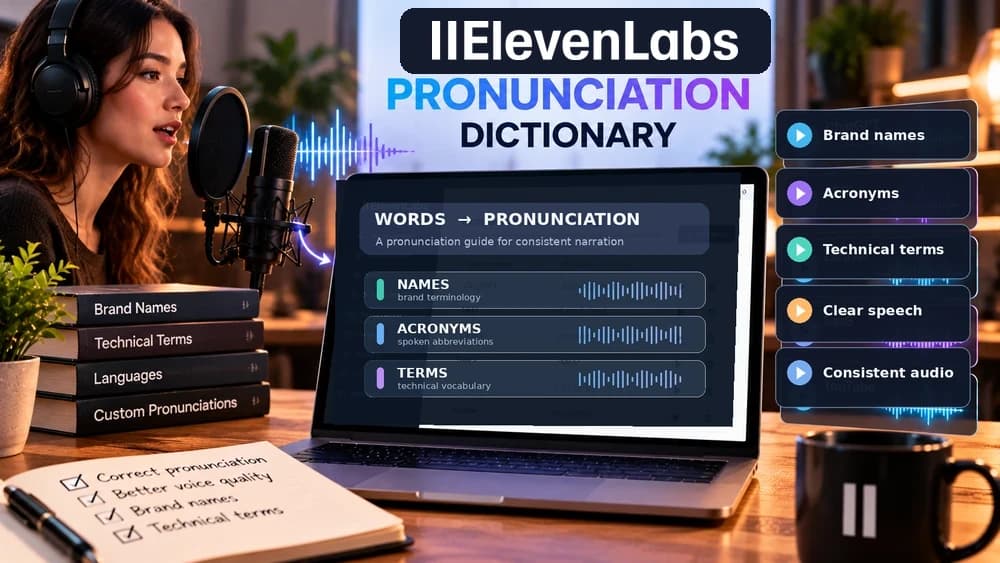
An alias rule substitutes another written phrase for a target string. For example, a project using the illustrative acronym “UN” might expand it to “United Nations” if reading the abbreviation as separate letters is unsuitable. This approach is easier to review with nontechnical editors because the intended replacement remains readable.
A phoneme rule encodes sounds with an alphabet such as IPA or CMU. It can offer more precise pronunciation control, but transcription errors and model compatibility matter. Ask a native speaker or the person whose name is being used to confirm the actual pronunciation instead of inventing phonemes from spelling alone.
ElevenLabs currently documents dictionary phoneme tags for eleven_v4, eleven_v3 and eleven_flash_v2. Other models may ignore those tags. For non-English IPA or CMU use, check the narrower model and language support in the exact product documentation; switching to an alias is often the safer first diagnostic.
Make a clean PLS file for a repeatable project
ElevenLabs supports pronunciation lexicons in the XML-based PLS format. A PLS lexicon contains a root lexicon element, a language and alphabet declaration, and one lexeme per entry. Each lexeme pairs a grapheme, the written word to find, with an alias or phoneme that tells the system how to speak it.
The official API tutorial provides a complete PLS example rather than isolated tags. Use that full valid structure when creating a .pls file; do not paste stray XML fragments into a plain-text document and assume they are importable. Keep the file named for its project and language, for example training-terms-en-gb.pls.
Matching is case-sensitive. A rule targeting “Tomato” does not automatically cover “tomato”; the official example explicitly includes both spellings. Record only the variants that genuinely appear in your scripts and avoid a sweeping change to a common everyday word that could affect unrelated sentences.
Attach the dictionary in the correct ElevenLabs workflow
For an ElevenAgents project, open the relevant agent in the dashboard, go to Voice Settings and add a pronunciation dictionary. Save the configuration, then speak or generate a trial using the actual voice and model. A dictionary attached to one agent should not be assumed to modify every voice or project in the workspace.
Programmatic Text to Speech follows a different route: create or import a dictionary, then use its dictionary ID and version ID when calling the supported generation endpoint. A local PLS file, an imported dictionary and a specific version attached to an API request are three different states. Verify the active identifier rather than assuming that importing a file automatically applies it everywhere.
ElevenCreative Studio, Dubbing Studio and Agents expose different editing surfaces. Check the official instructions for the product you actually use before promising that one setting automatically propagates to the other products.
Understand the version ID before you edit a rule
API-managed dictionaries are versioned. The add-rules endpoint at POST /v1/pronunciation-dictionaries/{id}/add-rules adds entries to the dictionary and replaces an entry when its string_to_replace matches an existing one. The endpoint returns a version_id; keep that new identifier alongside the rule change.
Set-rules is different: POST /v1/pronunciation-dictionaries/{id}/set-rules replaces the entire existing set of rules with the rules in the request. Sending only the one updated name to set-rules could erase other valid entries. This is an especially costly mistake when a production voice workflow relies on a shared dictionary.
Before bulk edits, export or copy the current list of rules and record the current version. Test a small change in an authorized staging workflow, inspect the resulting entries, then update the ID/version used for generation. Claim26 has not run these operations against a live ElevenLabs account.
Example: repair an acronym without losing other entries
Suppose a fictional course has a term written “UN” and you want the narration to say “United Nations.” A minimal alias payload contains type “alias”, string_to_replace “UN” and alias “United Nations”, inside the rules array. Use add-rules when you intend to add or replace that single matching entry; do not use set-rules with a one-rule body unless replacing the entire lexicon is deliberate.
Check the output by regenerating one short sample and by confirming that two unrelated, previously correct terms still sound the same. Repeat the comparison for “Un” or “un” only if those exact variants occur in the real script and merit a dedicated rule. Keep a copy of the dictionary before the edit so that reverting is straightforward.
Use an xi-api-key only in approved server-side requests or secret storage. Never embed it in a published webpage, downloadable code sample, client-side script, repository commit or screenshot. The fictional values in this example are intentionally not real credentials or dictionary IDs.
Test the same words in US and UK English when relevant
For a brand heard by both US and UK audiences, create separate evaluation sentences for the voices and accents you intend to publish. A replacement that sounds right with one voice may be unnatural in another. Do not assume that an alias behaves identically across different models or languages.
Build a small test matrix: original sentence without the dictionary, the same sentence with the active version, and a second sentence in which the name appears next to unfamiliar words. Keep the voice, model, script and any available settings unchanged within each A/B comparison. Listen for the target word, timing, neighboring words and accent consistency.
A useful pass condition is reproducible clarity without new errors nearby, not merely a more pleasant overall voice. Note the model and dictionary version beside the approved recording so colleagues can reproduce the result later.
Troubleshoot a rule that appears to do nothing
If an alias seems ignored, first verify the exact case and spacing of the word, the dictionary assigned to the right agent or request, and the active dictionary version. If an IPA or CMU rule is ignored, check the model and language limitations before rewriting your whole phonetic dictionary.
If the correct name now breaks a related word, narrow the grapheme to the specific intended form and review overlapping entries. The provider's documented matching behavior can make broad entries surprising. A targeted replacement is easier to validate than changing common words across the entire voice project.
If the audio sounds different from run to run, distinguish natural output variation from a dictionary effect. Compare multiple samples with identical inputs. Do not describe a rule as fixed merely because it is visible in a configuration panel; the actual exported audio still needs listening checks.
Keep a small change log for team narration work
For each rule, record its exact target, alias or phoneme, language, rationale, source of the preferred pronunciation, date, affected projects and dictionary version. For a recurring video series, that list gives editors a review process rather than a collection of unexplained substitutions.
Build a basic release check around three phrases: one containing the corrected term, one containing another existing dictionary entry, and one without any special terms. If the third sentence changes unexpectedly, pause and investigate the model or settings before attributing the difference to the dictionary.
Do not record private client scripts or voice samples in a publicly accessible repository. Store sensitive material only where its owners permit it, and confirm commercial voice rights and account limits separately from pronunciation accuracy.
When to use another ElevenLabs feature instead
A pronunciation dictionary solves recurring spoken-word errors in generated audio. It does not transcribe a recorded interview, translate an existing film, remove unwanted noise, or guarantee the creative performance of a voice. Choose Text to Speech for a new narration track, Dubbing for replacing dialogue across languages and Speech to Text for written transcripts.
Claim26 has separate English guides covering those tasks. Start with the specific problem: if a recorded word is recognized incorrectly in a transcript, editing or recognition guidance is a different workflow from teaching a synthetic voice how to pronounce it. Using the wrong tool adds steps without fixing the actual problem.
Before upgrading an ElevenLabs subscription, review the current model support, limits and rights on official product pages, then make a short permitted trial with the exact vocabulary that matters. This guide is documentation-based and makes no claim of first-hand pronunciation tests.
Check these four signals.
✓Alias vs IPA selected for the actual model
✓Exact case and language variants covered
✓Version preserved after rule updates
✓Unchanged terms checked alongside the fix
Need the bigger picture before choosing a plan?
Open the current offer and check ElevenLabs pricing, limits and features before deciding on a subscription.
Official sources for this guide
Software pricing and features can change. Review the official documentation below before choosing a product or plan.