How to Create an ElevenLabs Voiceover: Script, Settings and Audio Export
Prepare a natural script, compare authorized voices and models, repair individual pronunciations, export the right audio format and verify commercial rights.
Start with text-to-speech narration, not video dubbing
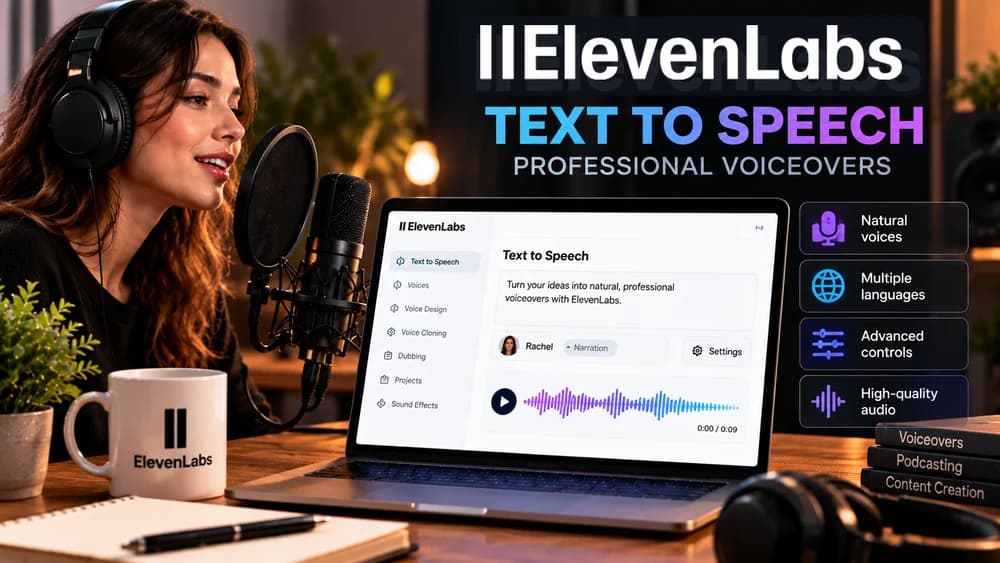
ElevenLabs Text to Speech converts written scripts into spoken audio for tutorials, software explainers, product videos and similar projects. Dubbing starts with existing recorded media and can require translation, multiple speakers and timing corrections. Knowing which job you have prevents selecting the wrong tool.
Consider an illustrative forty-five-second software demonstration. You need a clean narration track that a video editor can place beneath visuals, not a lip-synced replacement for existing dialogue. This walkthrough offers a reproducible method; it does not claim Claim26 tested a voice or measured an actual production in your account.
Step 1 — Write a script people can understand without reading
Build the narration around a concrete task and a single intended action. Write short sentences and include a real technical term, transition and final call to action in the trial passage. A few generic words are not enough to judge pacing, accents or pronunciation across a complete recording.
Read numbers, abbreviations, dates and brand names aloud before generating. Replace marketing filler with useful information about what the viewer can actually do. A well-edited script reduces costly retries and helps determine whether a problem comes from the text or the synthesis engine.
Step 2 — Select a voice that fits the audience
Open Text to Speech and paste the sample into ElevenLabs, then review the voices that your current plan makes available. Compare two or three speakers using identical words. A tutorial usually benefits from clear pacing, while a narrative story may need more expression and a deliberate accent.
Listen for pronunciation consistency, pauses and clarity on technical words rather than choosing the most impressive five-second preview. Voice cloning is not required to create a useful voiceover. If you do use a cloned real person's voice, confirm the rights and consent separately instead of treating it as a default feature.
Step 3 — Compare models while respecting their different controls
ElevenLabs identifies Eleven v4 as a newer text-to-speech generation with variants designed for high-quality creative narration and faster responses. The best model depends on the chosen voice, content and workflow, so test a realistic sample rather than choosing by release number alone.
Some old settings do not carry over: Eleven v4 has no Style or Speed sliders and does not accept SSML pause tags, according to the current documentation. Audio tags and punctuation can influence performance but do not guarantee an exact emotion or tempo. Note which settings are actually present before following an older tutorial.
Step 4 — Make one controlled adjustment at a time
If the selected model exposes Stability and Similarity settings, start near the defaults. Lower Stability can broaden emotional variation but also increase unpredictability, whereas higher values can make delivery more consistent yet less dynamic. Similarity influences how faithfully the result follows the selected reference voice.
When the line sounds rushed, first edit sentence boundaries or punctuation. Change only one input between comparisons, keeping the trial text otherwise identical. Do not promise a universal speed button: supported controls vary between model families and may change as the service evolves.
Step 5 — Review the first recording as an audio deliverable
Generate a representative segment and listen with headphones and a phone speaker. Write down the exact word or time where the narration sounds unnatural, skips a pause or misreads a number. An isolated pronunciation error does not necessarily mean the whole voice or model is unsuitable.
For the software demo example, check three practical outcomes: can viewers follow it without reading subtitles, does the recording fit the intended cut, and is the final action clear? This is a suggested production checklist, not an invented hands-on benchmark from Claim26.
Step 6 — Repair awkward words without restarting the whole project
Spell out difficult acronyms, rewrite numbers, split run-on sentences and keep a version of the original script beside each generated file. If one phrase repeatedly fails, compare a small local rewrite rather than regenerating several minutes of acceptable narration.
For a one-off error, rewriting the sentence may be enough. When the same brand, acronym or unusual name recurs throughout a series, a small pronunciation dictionary can be more maintainable, provided your ElevenLabs product and model actually support it. Claim26 does not yet have an English-language dictionary tutorial; the next two sections explain what to verify using the official English documentation.
Step 6A — Correct recurring names with aliases or phonemes
Start with the exact word as written in your script and the way it should sound. An alias rule substitutes a spelling or expression that the synthetic voice can pronounce. A phoneme rule specifies the sounds more directly using IPA or CMU notation. Store the original spelling, desired speech, language and two short test sentences together. Dictionary entries are case-sensitive, so a capitalized brand name and its lowercase variation may need separate checks.
According to ElevenLabs' current pronunciation-dictionary documentation, phoneme tags work with eleven_v4, eleven_flash_v2 and eleven_v3; other models may ignore these tags. For IPA or CMU pronunciations in languages other than English, ElevenLabs indicates eleven_v4 or eleven_v3. Test in your actual product, language, voice and model: a dictionary attached to an ElevenAgents agent is not proof that another Text to Speech or Studio project is using it. Official guide: https://elevenlabs.io/docs/eleven-agents/customization/voice/pronunciation-dictionary.
Step 6B — Update rules safely and keep the dictionary version
The API operations add-rules and set-rules are not interchangeable. POST /v1/pronunciation-dictionaries/{pronunciation_dictionary_id}/add-rules adds a new rule or replaces the existing rule for that same text. POST /v1/pronunciation-dictionaries/{pronunciation_dictionary_id}/set-rules replaces the entire dictionary's rule list. A one-word correction sent to set-rules without the other entries can therefore erase otherwise useful pronunciations.
Save a backup of the original rules or PLS file and record the dictionary version before changing it. After an authorized update, record the new version_id, verify the actual version referenced during speech generation and listen to both the corrected word and one term that worked previously. Keep xi-api-key in a server-side secret; never paste a real key into public blog code or screenshots. This is a testing procedure for readers, not an ElevenLabs API test claimed by Claim26. References: https://elevenlabs.io/docs/api-reference/pronunciation-dictionaries/rules/add/ and https://elevenlabs.io/docs/api-reference/pronunciation-dictionaries/rules/set/.
Step 7 — Download MP3 or WAV and preserve versions
The ElevenLabs help center describes immediate downloads after generating speech and previous recordings accessible through History. MP3 and WAV are supported export choices, with other advanced formats also described. Pick the format your editing software actually accepts, and listen to the downloaded audio rather than relying on the browser preview.
Name exports consistently, such as 'feature-intro-en-v02', and save the script corresponding to that exact take. MP3 is convenient for lightweight delivery, while WAV may be useful for further processing. The right choice depends on the editor, distribution platform and mastering workflow, not an invented ranking of codecs.
Commercial rights: an unpaid sample is not a client license
ElevenLabs states that generations made on its Free tier do not include commercial-use rights and that attribution can apply to permitted non-commercial sharing. Paid subscriptions generally include commercial licensing under the relevant terms, while beta services and content rights can introduce additional restrictions.
Before a monetized advertisement, client deliverable or commercial campaign, verify the license attached to the specific generation. Do not assume that paying later retroactively licenses files created on Free. You also need permission to use the source text and any identifiable voice you reproduce. Check current terms rather than relying on outdated plan comparisons.
Final listening checklist and when to use another guide
Play the exported file from beginning to end. Verify correct terminology, complete endings, level, pauses, artifacts, version name and legal permissions. Listen on the type of device your audience is likely to use, then review the assembled video rather than judging its narration only in isolation.
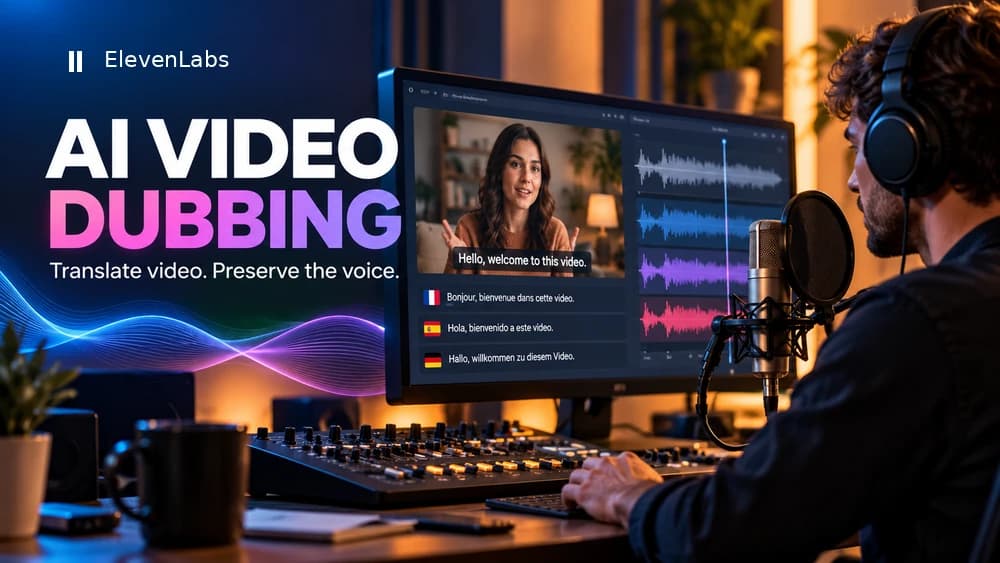
If the source is an existing video that must be translated, Claim26's dubbing walkthrough covers the appropriate workflow. For purchasing decisions and credit limits, use the ElevenLabs review and free plan articles. One new narration track, a voice clone and multilingual dubbing solve separate production problems.
Check these four signals.
✓Representative sample script
✓Model-specific voice controls
✓Exported audio quality and format
✓Commercial licensing and voice permissions
Need the bigger picture before choosing a plan?
Open the current offer and check ElevenLabs pricing, limits and features before deciding on a subscription.
Official sources for this guide
Software pricing and features can change. Review the official documentation below before choosing a product or plan.