How to Create an Elementor Popup: Triggers, Rules and Free Options
Popup Builder requires eligible Elementor Pro plans; set conditions, triggers and advanced rules or choose an independent free WordPress alternative.
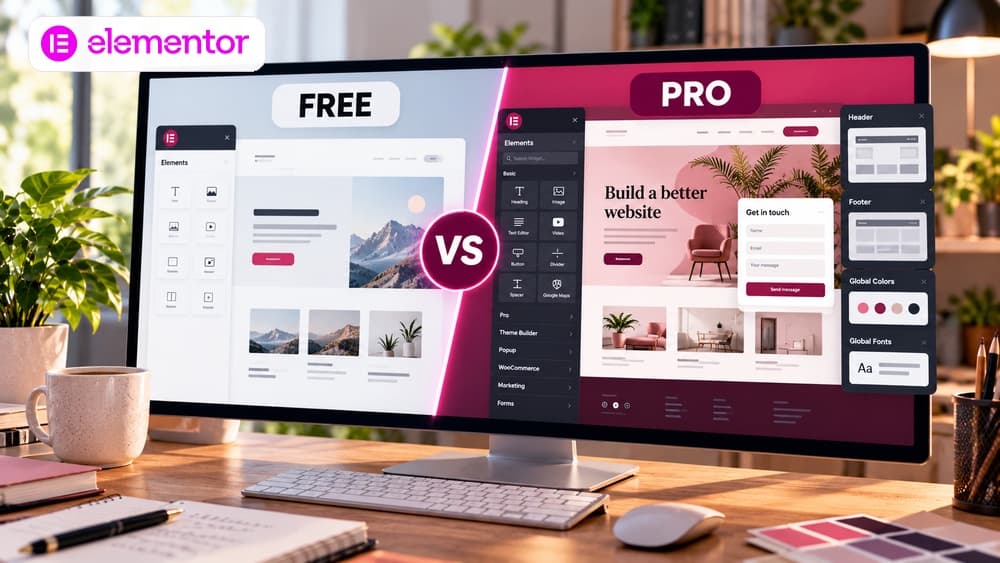
First check the license: free Elementor Core does not include Popup Builder
Elementor Core is a free WordPress page builder, but its built-in Popup Builder is a paid feature. Elementor's help article updated August 27, 2026 says Popup Builder, conditions, triggers and advanced rules require Elementor Pro on Advanced plans and higher.
Check the Popup Builder feature line for the exact plan at checkout. Do not assume every subscription named Pro includes the same capabilities. If the entire task is to offer a signup form, a regular landing page can be a sensible starting point.
Choose one useful action instead of an attention-grabbing animation
A popup needs a defined visitor task: download a checklist, contact a company, ask for a demo, or sign up for a relevant newsletter. Restrict it to pages where that action naturally follows the content. Interrupting every visitor as soon as the page loads is not a content strategy.
Illustrative, untested example: an Elementor tutorial offers a design checklist after the visitor clicks a dedicated download button. This is a planning example, not a measured experiment or a Claim26 conversion result.
Create a popup template inside WordPress
With a qualifying, activated Elementor Pro license, open WordPress Admin and navigate to Elementor > Editor > Templates > Popups. Depending on the Editor version, the navigation may appear as Templates > Popup. Create a new popup template, give it a descriptive name and open the visual editor.
Start with a legible headline, one short explanation, one clear action and a visible close control. Keep required fields minimal. A form collecting email addresses needs an appropriate destination, honest expectations about messages and an adequate privacy and consent workflow.
Understand Conditions, Triggers and Advanced Rules
Display Conditions define where the popup can appear, such as only one guide or a subset of posts. Triggers define the event that opens it, including scrolling, click actions, time on page or exit intent where supported. Advanced Rules add controls such as visit counts and device restrictions.
For example: Conditions = one resource page. To open the popup on a voluntary button click, configure the Open By Selector rule; Elementor explains that automatic Triggers and Advanced Rules are ignored for a manually triggered popup. For an automatic delay or scroll trigger, configure the relevant Triggers and Advanced Rules instead.
Open a popup intentionally from a button or menu
A visitor-initiated popup can be less disruptive than a timed overlay. Elementor documents opening a popup from a navigation menu item via a configured selector, with display conditions aligned to the relevant menu pages. Check the current Elementor instructions before choosing a selector and test your actual theme.
A visible button should have a meaningful label, work with a keyboard and lead to a clear dismissible dialog. Provide a normal link or another accessible route to the underlying content if JavaScript is unavailable. Never reuse an unexplained selector from a different site's template.
Test responsiveness, keyboard use and repeat display
Verify the popup on narrow phones as well as desktop: readable content, easy access to the close control, sensible scrolling, keyboard focus, form errors and enough contrast. A perfect editor preview does not prove real mobile accessibility or that users can dismiss the popup.
Test first visits, returning visits, a refusal and different pages. Misconfigured triggers can repeatedly block reading. Do not claim a higher conversion rate until the actual event and signup data support that conclusion, with the site's analytics consent respected.
A free alternative: an independent WordPress popup plugin
WordPress.org lists Popup Maker as a free core plugin with optional commercial upgrades. It offers its own popup building and targeting options, not Elementor's native Popup Builder. Advanced workflows may still need paid extensions, so review current feature tables first.
Check maintenance recency, theme compatibility, performance impact and accessibility before adding any plugin. For a simple signup, an ordinary page reached from a prominent button may be more predictable and less costly to maintain than another script-heavy modal.
A practical publication checklist and decision
Confirm the visitor goal, license entitlement, display conditions, trigger behavior, repetition rules, mobile layout, accessible closing and appropriate treatment of submitted data. Test on a staging or isolated page before rolling out to the full site.
If you already have Elementor Pro Advanced or higher and need detailed in-editor targeting, its built-in tool may be appropriate. Otherwise, start with a standalone signup page or a vetted free WordPress plugin. For the wider subscription decision, see Claim26's Elementor Free vs Pro comparison.
Check these four signals.
✓License entitlement confirmed
✓Conditions and triggers tested
✓Mobile and keyboard behavior verified
✓Free alternative compared
Need the bigger picture before choosing a plan?
Open the current offer and check Elementor pricing, limits and features before deciding on a subscription.
Official sources for this guide
Software pricing and features can change. Review the official documentation below before choosing a product or plan.