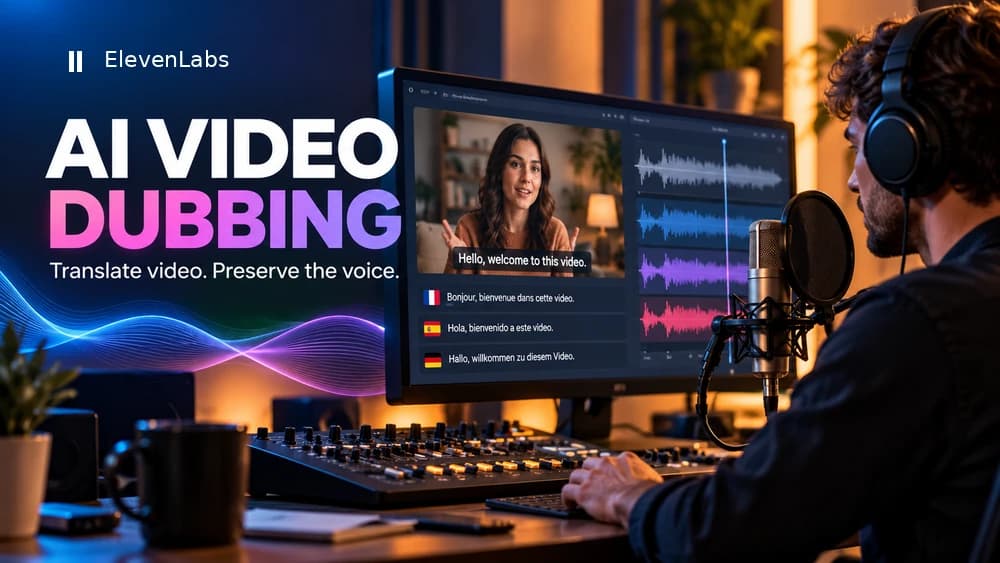
AI Video Dubbing in 2026: Translate a Video and Keep Its Voice
Create localized audio for a video while preserving recognizable voice characteristics. Follow a practical sequence from source upload to human review and cost estimates.
Independent affiliate disclosure: Claim26 participates in the ElevenLabs Creator Affiliate Program and may receive a commission if you subscribe through this link.
Dub my video with ElevenLabsCompare the next step
Check language-specific dubbing costs and voice permissions before submitting a video.
Read the full voice review →Check free credits and paid rights →Transcribe recordings with Scribe v2 →What matters before you choose
Features and prices are based on public official sources, not a hands-on laboratory test. Verify current rights, limits and promotions before purchase.
What AI dubbing does—and what you still need to review
AI dubbing takes speech from a recorded video or audio file, translates it into one or more target languages and generates a new audio track. The aim is often to preserve speaker-specific qualities such as tone and style rather than replacing every line with a generic synthetic narrator.
Even a natural-sounding result can contain wrong names, numbers, terminology or cultural references. Think of it as a draft requiring human review, especially for paid training, product demonstrations or multilingual campaigns. Start only with audio and video for which you have appropriate rights.
Step one: prepare a clear source and check permissions
Use a short representative clip with clean speech and speakers who can be distinguished. Keep a high-quality original. The documented Dubbing workflow accepts an audio or video upload and can also work from a supported online video link.
Obtain permission to reproduce the content and the voices, including consent appropriate to the people recorded. A publicly viewable video does not automatically grant voice-cloning or redistribution rights. Keep a record of source ownership and intended commercial use.
Step two: upload a clip and select the output language
Open Dubbing, upload the source or enter its video URL, then choose the target language. For an initial test, select just one language and compare the result to the source so that mistakes are easier to identify. The platform may detect the source language, but double-check technical terms and accents.
The current default workflow uses automatic Dubbing v2. The published web upload limits for v2 require a source below both 2 GB and 180 minutes. This ceiling is not a sensible initial project size: a small clip is faster to inspect and avoids committing a large amount of credit before the process is understood.
Use a short script and track credits and corrections before upgrading.
Independent affiliate disclosure: Claim26 participates in the ElevenLabs Creator Affiliate Program and may receive a commission if you subscribe through this link.
Dub my video with ElevenLabsStep three: understand how dubbing costs are calculated
Dubbing pricing is based on the source duration for each target language, with the exact rate depending on the model. A four-minute video translated into Spanish and French counts as two four-minute outputs, so calculate eight source-language minutes before any extra rounds of work.
Confirm the actual estimate shown in the app before starting. Dubbing draws on credits shared with other audio features. Free-plan output may be watermarked, and commercial use rights vary by subscription, so treat both the credit balance and licensing terms as part of the project cost.
Dubbing v2 versus the legacy Dubbing Studio editor
Automatic Dubbing v2 is not directly editable within the app under current documentation. Editing its transcript or translation and regenerating through the API is available only for Enterprise workspaces. This difference matters when a name, brand statement or product description must be corrected precisely.
ElevenLabs also documents a Dubbing Studio editing route based on Dubbing v1 rather than v2. That legacy studio is in maintenance mode, receiving critical fixes but not the same active development. Decide whether you need an editable workflow before building your full production process.
Step four: review the translation, timing and exported video
Watch and listen to the full output, not just the first few seconds. Check every speaker, proper noun, number and technical instruction. Ask a competent reviewer of the destination language to verify sensitive claims, and compare the emotional delivery to the original recording.
Lip synchronization is not part of the Dubbing feature itself, according to the product documentation. If accurate mouth movement is essential, plan separate editing or another tool. Recheck subtitles, background sound, music levels and any moments where the new speech length changes the pacing.
Export a production master, not just the dubbed video preview
ElevenLabs describes its dubbed video as a high-quality preview rather than a production master. The downloadable video is commonly rendered at 1080p and may not retain your original source resolution. For client work, a course or a final published video, download the dubbed audio separately and replace the audio track in your original editing project instead of treating the preview as your final-quality export. Official source: https://elevenlabs.io/docs/eleven-creative/products/dubbing/dubbing-studio.
The dubbing documentation also explains that v1 uses mono audio and v2 provides at most stereo output. A 5.1 mix or other multichannel source audio is not automatically preserved. Keep the original music and effects stems when necessary, inspect the channels actually delivered and rebuild the intended mix in your video editor before handing off the finished media.
An illustrative production QA sequence, not a Claim26 firsthand test: preserve the original master; export the correct target-language audio; place it on the source timeline; verify speaker handoffs, pauses, captions, dialogue timing and audio channels; finally, review the finished file on multiple devices. This additional step is especially important when the source was higher than 1080p or contained surround sound.
Estimate a monthly multilingual production budget
Make a simple forecast using actual production plans: number of source videos, length and target languages. Ten three-minute videos each translated into two languages represent sixty source-language minutes before revisions. Then consult the official current pricing tool for the chosen model.
A paid plan can offer rights or higher usage capacity, but it does not replace translation review. A short sample with one real clip is a better cost and quality test than choosing a subscription based solely on advertised language counts or headline minutes.
Pre-publication checklist for dubbed video
Confirm permissions for the recording and speaker voices, the selected dubbing model, the displayed credit estimate, translation accuracy, pronunciation, speaker changes, timing, watermark status and commercial licensing. Open the exported media on a phone as well as on desktop before distributing it.
For broader voice production questions, consult Claim26’s separate reviews of AI narration quality and free audio credits. This guide focuses specifically on multilingual dubbing, where one source video can generate several independently billed language outputs.
Explore the offer at the source
Check the current credit allowance and licensing before choosing a paid plan.
Independent affiliate disclosure: Claim26 participates in the ElevenLabs Creator Affiliate Program and may receive a commission if you subscribe through this link.
Dub my video with ElevenLabsOfficial documentation
Official pricing and credits ↗
ElevenLabs and its logo are trademarks of ElevenLabs, Inc. Claim26 is an independent publisher participating in the ElevenLabs Creator Affiliate Program. Claim26 is not sponsored or endorsed by ElevenLabs.