How to Sell Physical Products With Systeme.io in 2026
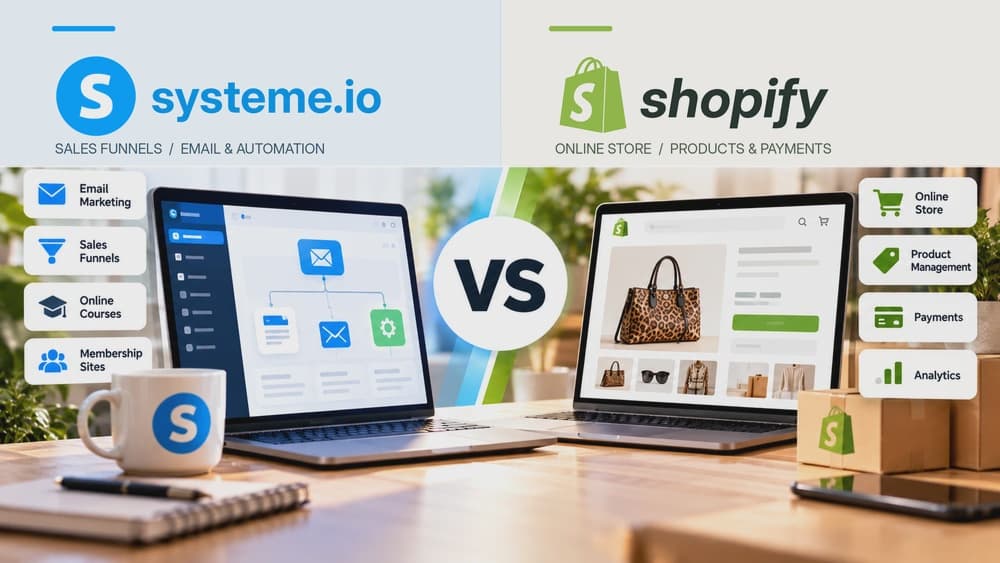
Systeme.io can sell focused physical-product offers with variants, limited stock, checkout and post-purchase upsells. It is most natural when the product is sold through a guided funnel rather than a large retail catalog.
Use Systeme.io when the product is sold through a focused offer rather than a large catalog
A funnel works well when traffic is directed toward one flagship product or a small number of offers and the sales page needs to guide the visitor toward a clear purchase decision. Systeme.io can connect that journey directly to checkout and follow-up.
A large retail catalog with many collections, advanced shipping logic and complex inventory operations usually fits a specialist ecommerce platform better. The question is whether customers browse a store or move through a controlled campaign.
Create the physical product with the variants and stock rules customers actually need
Systeme.io's current physical-product documentation supports product options and variants, variant-specific images and limited stock for each variant. Configure only the choices customers need, such as size or color, and make the naming clear at checkout.
Check stock behavior with a test variant before launching. Inventory settings are operational data, so an incorrect limit can either block valid sales or allow orders for a variant that is no longer available.
Build a Sell funnel with an order form and confirmation step
Systeme.io recommends the Sell funnel type for product sales because it includes an Order form and Thank you page by default. You can also use a Custom funnel if the sales journey needs a different structure.
The funnel currency must match the currency configured for the physical product. This is a small technical requirement that can prevent the product from appearing correctly in the order-form configuration if the two do not match.
Attach the physical product to the order form and connect a payment method
On the order-form configuration, choose Physical product as the offer type and select the product that uses the matching funnel currency. A supported payment method must already be connected before the checkout can process real purchases.
Test the product selection, variant controls and total price on desktop and mobile. A physical product often introduces more checkout decisions than a simple digital offer, so every additional field or option should remain easy to understand.
Add order value with relevant post-purchase offers rather than a broad catalog detour
The same funnel can add an order bump, upsell or downsell around the purchase. These offers work best when they complement the original item, such as an accessory, additional quantity or another product that naturally belongs in the same use case.
Do not force an unrelated second product into the checkout simply because the platform supports upsells. The extra offer should increase useful order value without making the primary purchase feel less trustworthy or harder to complete.
Test inventory, payment and customer communication before scaling traffic
Run a complete purchase using the exact variant and payment path a customer will use. Confirm the order, stock behavior, confirmation page, email follow-up and any operational information you need for fulfillment.
Systeme.io can handle the marketing and checkout layer, but physical delivery still requires a dependable fulfillment process. Before increasing ad spend, make sure the order information reaches the people or systems responsible for packing and shipping the product.
Check these four signals.
✓The business sells a focused product or small offer set
✓Variants and stock limits have been tested before launch
✓Funnel currency matches the physical product configuration
✓Fulfillment receives the order information needed after checkout
Need the bigger picture before choosing a plan?
Open the current offer and check Systeme.io pricing, limits and features before deciding on a subscription.
Official sources for this guide
Software pricing and features can change. Review the official documentation below before choosing a product or plan.