How to Sell a Digital Product with Systeme.io in 2026
Connect an order form to the exact digital resource and pricing model, then automate delivery from the confirmed sale and test payment, redirect, email and access as one end-to-end purchase journey.
Define exactly what the buyer receives before creating the checkout
A digital product can be a course, bundle, downloadable file, access right or another resource delivered through your sales journey. Decide what the purchase includes and how the buyer receives it before configuring the technical offer.
Keep the first version simple enough to test: one main product, one clear price and one documented delivery path. Complexity is easier to add after the basic transaction has been proven from checkout through access.
Create an order-form step and select the correct digital offer
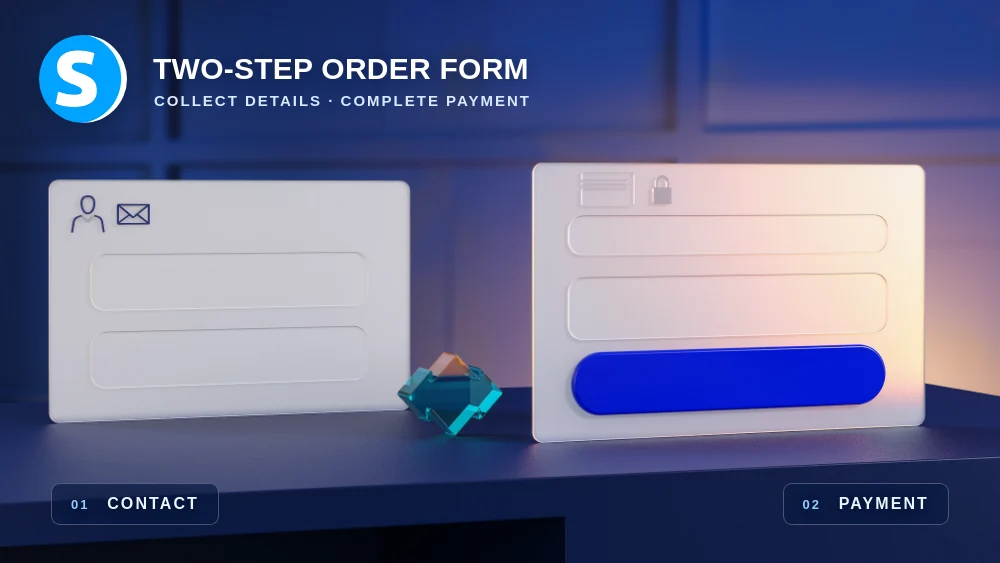
Add an Order form step to the sales funnel and configure the offer as a digital product. Use the checkout to show the product, price, required payment fields and only the reassurance needed to make the purchase decision clear.
Avoid adding unrelated navigation that creates a second journey at the payment stage. The checkout should make the transaction understandable and let a ready buyer complete it with as little uncertainty as possible.
Attach the exact resource that should be delivered after purchase
Connect the course, file, bundle or other supported resource that represents what the customer bought. Use clear internal names so a future product update does not accidentally attach the checkout to the wrong resource.
For a course, verify the intended access type. For a downloadable file, decide whether delivery happens through an automated email, a protected location or another tested method that matches the promise made before payment.
Choose the pricing plan that matches the commercial model
Systeme.io supports pricing structures such as one-time payment, subscription and finite payment plans for supported digital offers. Select the model that accurately represents how the buyer is supposed to pay rather than adapting the sales copy to a convenient default setting.
Verify the amount, currency, taxes and visible labels before publishing. Pricing errors affect trust and payment operations directly, so they deserve a real checkout test rather than only a visual review in the editor.
Automate delivery and customer follow-up only after a confirmed sale
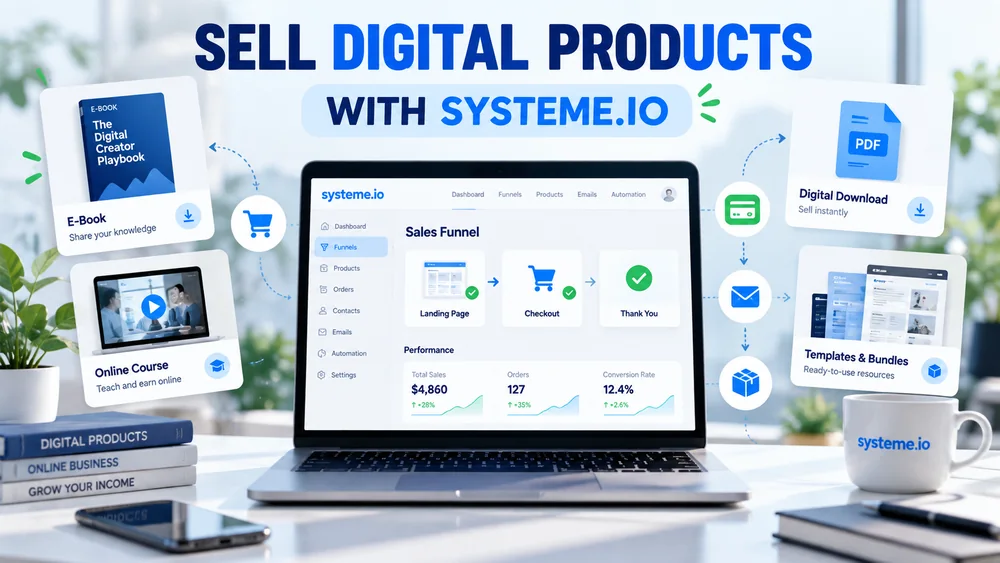
The New sale trigger can start supported actions such as sending an email, applying a tag or subscribing the customer to a campaign. Use the confirmed transaction as the beginning of the delivery or onboarding sequence.
For file delivery, Systeme.io documents sending a file or download access automatically after a sale. For course access, make sure the resource itself is configured correctly and that any email points customers to the place where their access actually exists.
Test payment, redirect, email and access as one complete system
Run a controlled purchase from the sales page through the order form and final confirmation. Check the payment result, redirect, confirmation email, customer tags and the exact resource the buyer can open after the transaction.
Repeat the journey on mobile and open the received email from a real inbox. A digital product is not ready because the payment button works; it is ready when the customer can pay, understand what happened and receive the promised product without manual rescue.
Check these four signals.
✓The correct digital resource is attached to the offer
✓Price, currency and billing model are verified
✓Delivery starts only after a confirmed sale
✓A complete desktop and mobile purchase test reaches the promised resource
Need the bigger picture before choosing a plan?
Open the current offer and check Systeme.io pricing, limits and features before deciding on a subscription.
Official sources for this guide
Software pricing and features can change. Review the official documentation below before choosing a product or plan.