How to Connect Systeme.io to Make With Webhooks in 2026
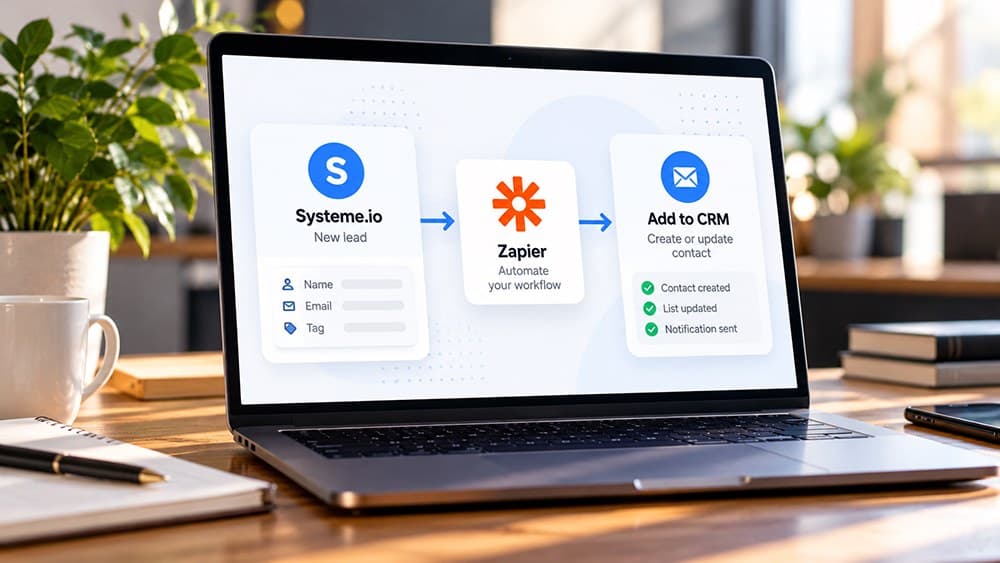
Use a Make Custom webhook when a Systeme.io event must trigger work in another application. Keep native actions inside Systeme.io and use the webhook boundary only for the external part of the workflow.
Use a webhook when the automation must cross the Systeme.io boundary
Native Systeme.io automation should remain the first choice for actions that already happen inside the platform. A webhook becomes useful when a contact, tag or sale needs to trigger work in another application such as a database, spreadsheet, messaging system or internal tool.
Define the external outcome before building the scenario. This keeps Make focused on cross-platform work instead of reproducing automation that Systeme.io can already perform with fewer moving parts.
Create a Custom webhook in Make and capture its unique HTTPS URL
In Make, create a scenario and add the Webhooks app with a Custom webhook trigger. Make generates a unique webhook URL that waits for requests from the external application and can usually trigger the scenario as soon as the request arrives.
Treat that URL like an integration credential because anyone able to post valid data to it may trigger the scenario. Store it only where it is needed and avoid publishing it in public documentation or screenshots.
Add the Make endpoint to Systeme.io and select only useful events
Systeme.io's webhook service lets you create an endpoint with an HTTPS URL, a name and a secret key, then select the events that should send data. Current examples include opt-ins, new sales and tag additions or removals.
Choose only events that the Make scenario actually handles. Sending every available event to one endpoint increases noise, execution volume and the chance that an unexpected payload reaches a scenario not designed for it.
Send one controlled event so Make can inspect the real payload structure
Keep the Make scenario listening while you reproduce the chosen Systeme.io event with a test contact or transaction. Make can then capture the incoming request and expose the fields available for mapping into later modules.
Use the received sample rather than guessing field names. Real payload inspection reduces mapping errors and makes it obvious which identifiers, contact values or transaction fields are actually available for the next application.
Map only the fields the destination needs and handle duplicate events deliberately
Pass the minimum reliable data required by the destination system. When the scenario updates a CRM or database, use a stable identifier such as email or an external ID where appropriate so repeated webhook deliveries do not automatically create duplicate records.
Decide what should happen when a field is missing or an event is received twice. A resilient scenario handles common edge cases explicitly rather than assuming every request is unique and perfectly complete.
Review Systeme.io webhook logs and Make execution history when troubleshooting
Systeme.io provides webhook logs and messages that help confirm whether an event was sent, while Make provides execution history showing how the scenario processed the incoming request. Use both sides when diagnosing a failed integration.
Test the end result in the destination application before enabling the automation for live traffic. A successful HTTP request is only the first checkpoint; the business process is complete only when the expected external record or action is correct.
Check these four signals.
✓The workflow genuinely needs an external application
✓Only relevant Systeme.io events are sent to the webhook
✓A real payload is captured before field mapping
✓Webhook logs and Make execution history are checked during testing
Need the bigger picture before choosing a plan?
Open the current offer and check Systeme.io pricing, limits and features before deciding on a subscription.
Official sources for this guide
Software pricing and features can change. Review the official documentation below before choosing a product or plan.