How to Build a Website with Systeme.io in 2026
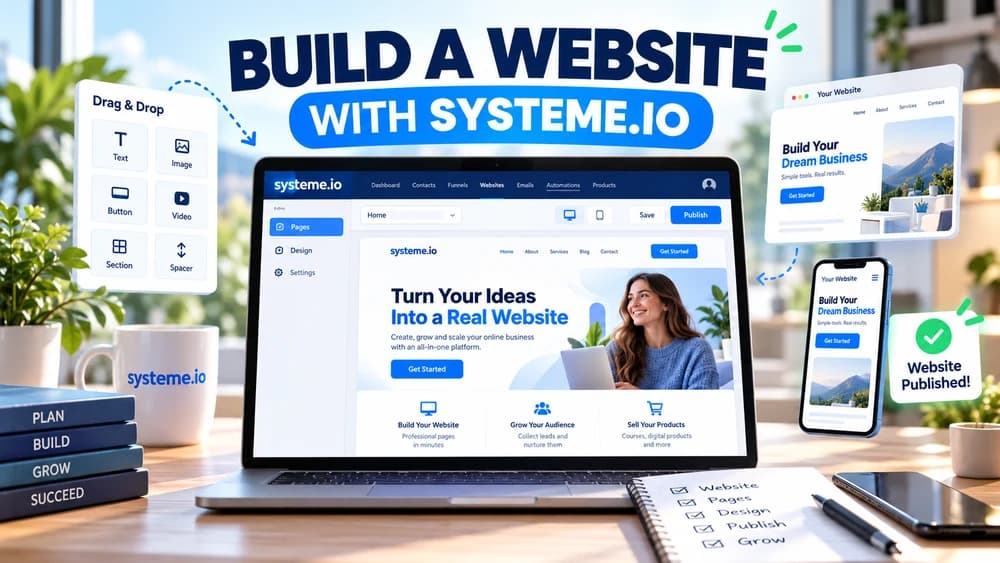
Use the website builder for permanent multi-page navigation, configure the correct domain and home page, establish global styles and publish only after navigation, forms and mobile layouts work on the live site.
Use the website builder when the project needs permanent multi-page navigation
Systeme.io's website feature is designed to manage several pages from one website workspace, which suits a central structure containing a home page, about page, services, contact information and other persistent content.
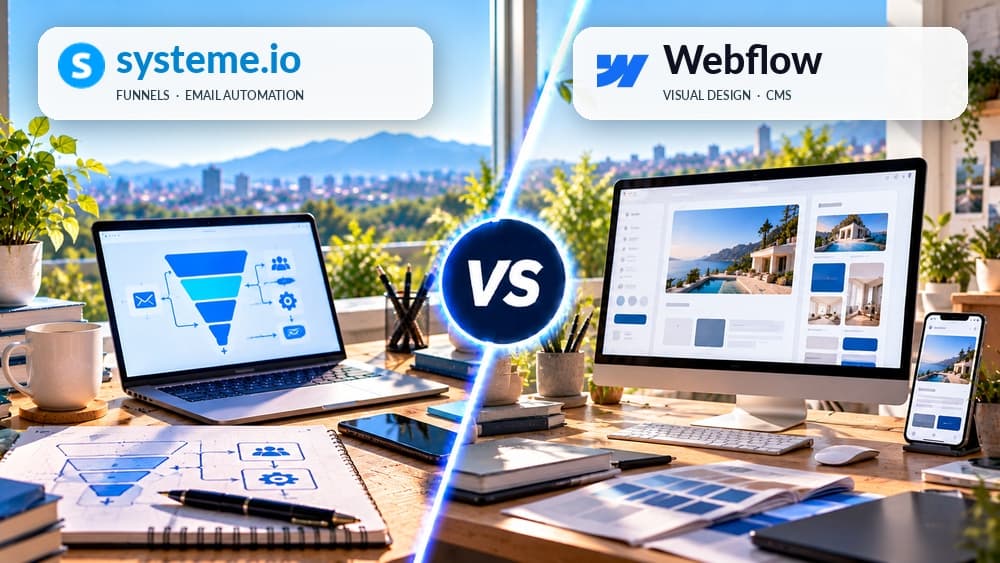
Sales funnels still serve a different purpose: they can remain focused on one offer or conversion path. Keeping the website as the navigational hub and funnels as specialized journeys makes the role of each page easier to understand.
Create the site with the correct domain, home path and primary language
From the website area, create the site and configure its name, domain, home-page path and primary language. Check how the domain is already used before assigning it so an existing live project is not displaced unexpectedly.
Systeme.io's current documentation notes that a domain is assigned within the website setup. Plan the URL structure before creating many pages because changing the domain or root behavior later can affect navigation, links and search indexing.
Start from a template or blank page and keep the menu intentionally short
Choose a template when it accelerates the structure you need, or start blank when the brand layout is already defined. Create the core pages first and decide which ones genuinely deserve a position in the main navigation.
Not every page needs a menu link. Secondary resources, campaign pages and legal information can be linked contextually or from the footer, which keeps the primary navigation focused on the decisions most visitors need to make.
Set global visual rules before duplicating the same design across pages
Define common typography, colors and button treatment early so the site remains visually coherent as more pages are added. Global styling reduces the cost of future design changes compared with manually correcting the same detail on every page.
Use reusable sections where appropriate, but do not let visual consistency create identical page structures for different intents. The home page, contact page and conversion page can share a brand system while still organizing information differently.
Add forms and popups only where they support the purpose of that page
A site can collect leads through forms and use popups, but every capture element should have a clear promise and follow-up. Avoid repeating the same interruption across all pages simply because site-wide placement is technically possible.
Connect each form to a logical confirmation, tag, campaign or next step and test the resulting contact state. The permanent website should make discovery easier, not become a collection of overlapping acquisition mechanisms.
Publish deliberately and test navigation in every supported viewport
Keep unfinished pages in draft until their links, forms and content are ready, then inspect the published site on desktop and mobile. Systeme.io provides multiple preview contexts, but the live page should still be tested in real browsers and devices.
Click every navigation item, primary button, form and internal link after publication. A page that looks correct inside the editor can still contain a wrong destination, a missing menu state or an element that becomes difficult to use on a narrow screen.
Check these four signals.
✓The domain and home page are assigned to the intended site
✓Primary navigation contains only useful permanent pages
✓Global visual rules are consistent across pages
✓Published forms, buttons and mobile navigation have been tested
Need the bigger picture before choosing a plan?
Open the current offer and check Systeme.io pricing, limits and features before deciding on a subscription.
Official sources for this guide
Software pricing and features can change. Review the official documentation below before choosing a product or plan.