How to Create an Evergreen Webinar in Systeme.io in 2026
Use the dedicated evergreen-webinar funnel on an eligible plan, configure the registration-date element, align reminders and offer copy with an automated session and test the complete attendee journey before promotion.
Confirm that an evergreen webinar is the format you actually need
Systeme.io currently supports automated evergreen webinars, not a native live-webinar format. The session is designed to be available repeatedly to new registrants according to the scheduling options configured in the funnel.
Use this format when the presentation can remain relevant without a live host and the sales journey benefits from repeatable attendance. If interaction in real time is central to the experience, compare a dedicated live-webinar platform before building the campaign around the evergreen format.
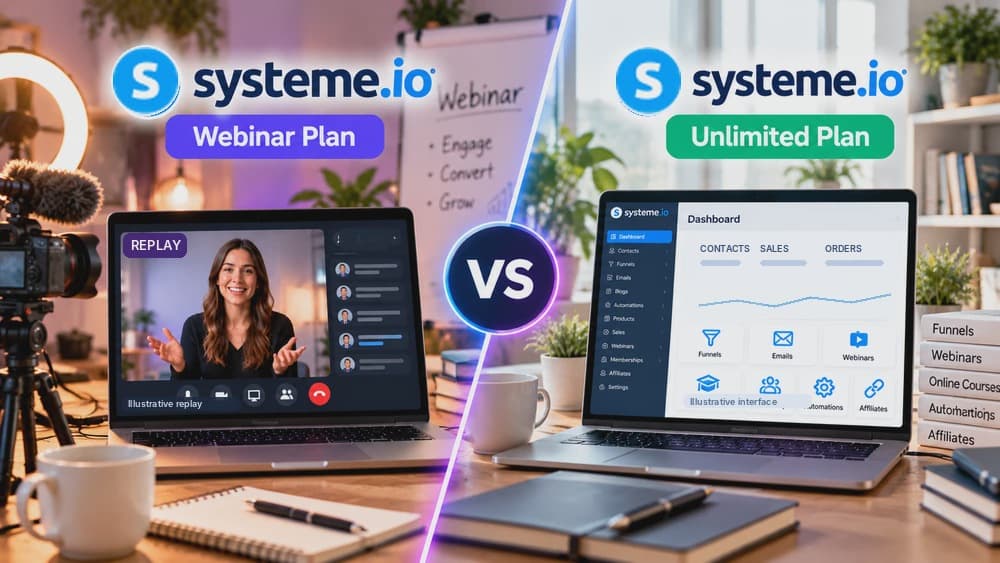
Use a Webinar or Unlimited plan because the lower tiers do not include evergreen webinars
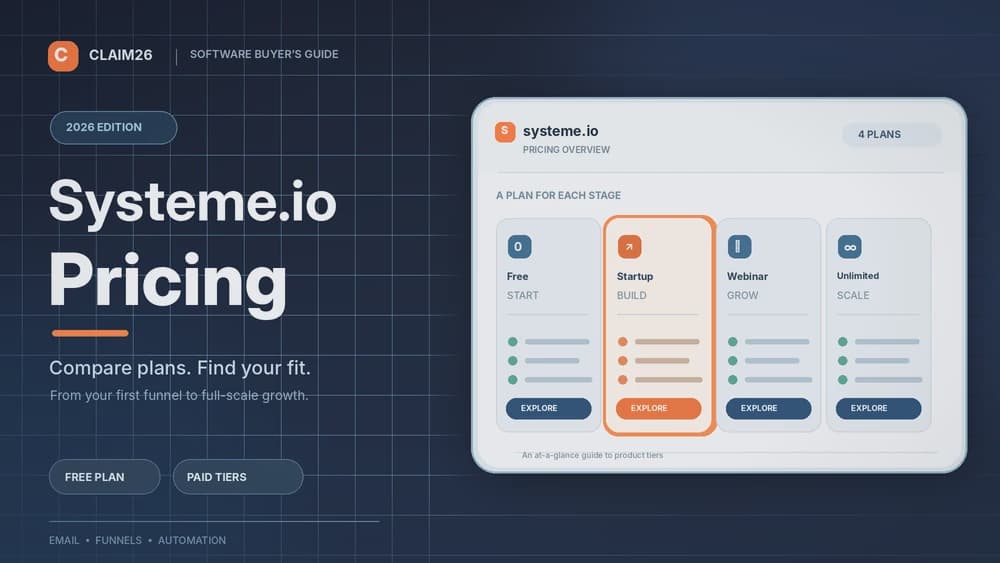
The current pricing page lists zero evergreen webinars on Free and Startup, up to ten on Webinar, and unlimited evergreen webinars on the Unlimited plan. The Webinar plan is therefore the first tier that unlocks this feature.
Choose the plan from the number of webinars and the other account limits you genuinely need. Do not move to a higher tier solely because the name sounds more advanced when one evergreen webinar and your existing traffic volume already fit comfortably.
Create the dedicated evergreen-webinar funnel and customize each required step
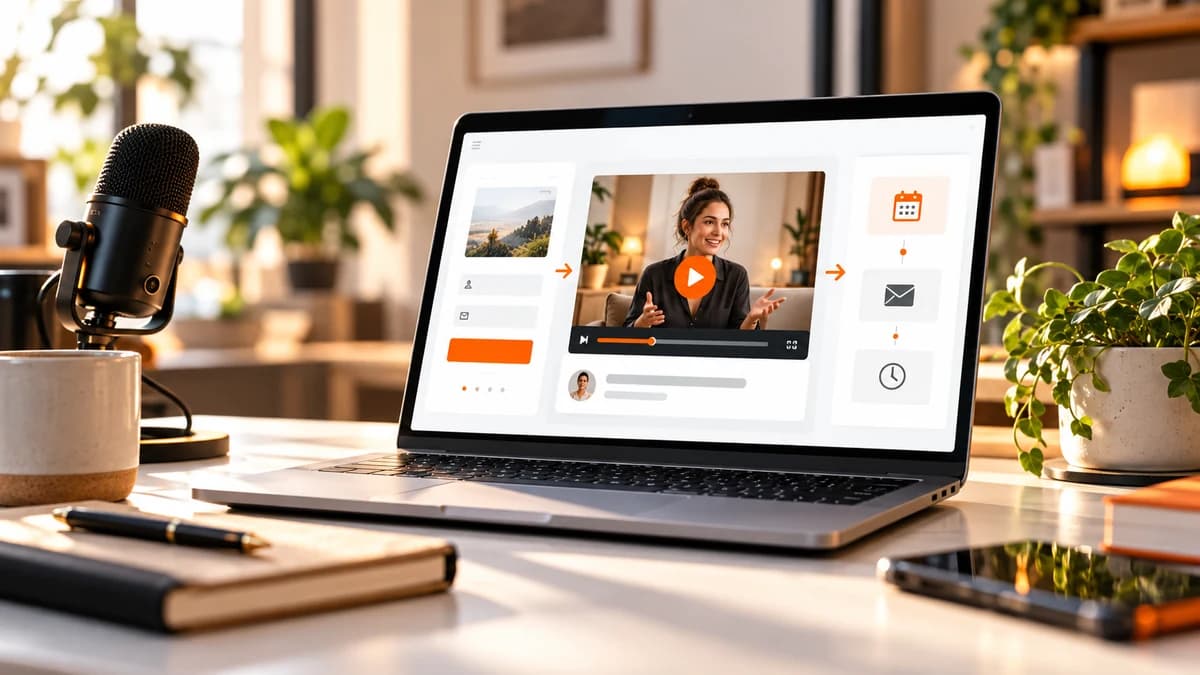
When creating a sales funnel, select the goal for running an evergreen webinar. Systeme.io then creates a webinar-specific structure that includes the pages needed to collect registrations and deliver the automated session journey.
Customize the registration page around one clear promise, then review the webinar and thank-you or offer-related steps as part of one continuous path. A polished registration page is not enough if the attendee reaches a confusing session page or an offer that does not match the presentation.
Configure the registration-date element because the webinar scheduling logic depends on it
Systeme.io's current setup guide states that the webinar registration date must be configured. The evergreen system offers sessions relative to when the visitor registers rather than operating like a one-time event fixed to a single calendar date.
Use session availability that feels plausible for the audience and then open the registration page at different times to verify what choices a visitor actually sees. The displayed timing should match every reminder and expectation created elsewhere in the funnel.
Build reminders and the offer around the real automated attendee experience
Prepare the emails and page copy for someone who may register today, tomorrow or weeks after the funnel was first published. Avoid wording that assumes every attendee is joining one shared live event at a fixed historical date.
Place the commercial offer at the stage where the presentation has established the necessary context. If the webinar sells a product, test the transition from session to offer and make sure urgency or availability claims remain truthful for an evergreen audience.
Complete a full registration and viewing test before sending paid or organic traffic
Register as a new lead, select an available session, open every reminder, enter the webinar through the same path as a real attendee and continue through the intended offer or thank-you page. Systeme.io notes that some webinar pages are reached through the registered path rather than by opening their URLs directly.
Repeat the test on mobile and in a private browser. Check timing, video or presentation access, calls to action and the final conversion event so an automated webinar does not quietly lose leads after the registration step.
Check these four signals.
✓The evergreen format fits the campaign better than a live event
✓The account uses Webinar or Unlimited
✓Registration timing and reminders describe the same session logic
✓A fresh lead completes registration, viewing and the final offer path
Need the bigger picture before choosing a plan?
Open the current offer and check Systeme.io pricing, limits and features before deciding on a subscription.
Official sources for this guide
Software pricing and features can change. Review the official documentation below before choosing a product or plan.