How to Create a Popup in Systeme.io in 2026
Create the popup around one relevant offer, choose a trigger that respects the underlying page, connect the form or button to the correct next action and test the complete experience on mobile.
Start with the popup offer and timing before designing the window
A popup works best when it offers a logical next step from the page, such as a lead magnet, signup, discount or secondary action. If it appears immediately with an unrelated message, it competes with the page instead of helping the visitor continue.
Define the promise and the moment of display before choosing colors or animation. The popup should have one job that can be explained in a sentence and one primary action that matches the journey after submission.
Create the popup inside the Systeme.io page editor
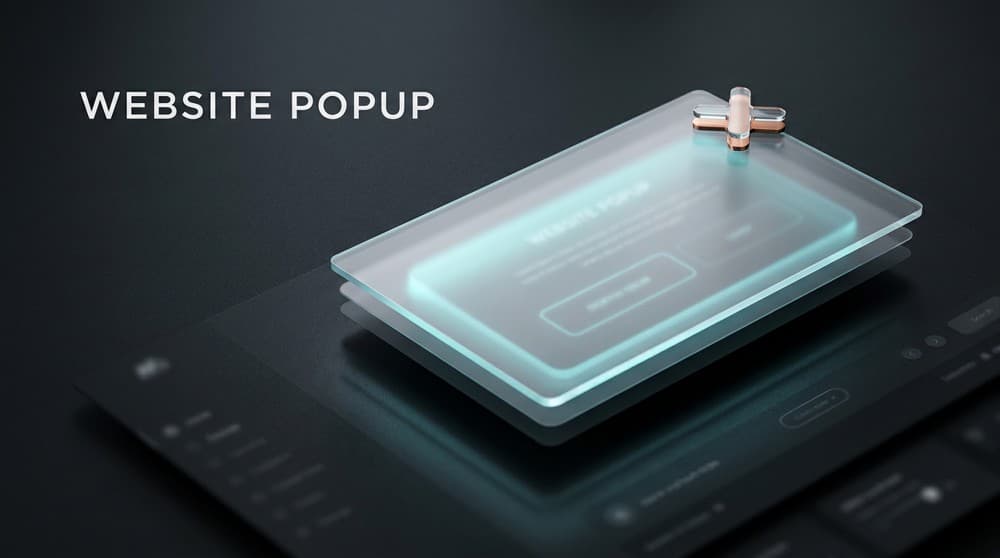
Open the popup controls in the page editor, create a new popup and structure it as a compact conversion block with a headline, short explanation and either a form or button. Add proof or reassurance only when it helps the visitor understand the decision.
Keep the close control obvious and easy to use. A popup that is difficult to dismiss may increase accidental interactions while damaging the experience, especially on small screens where the window occupies most of the viewport.
Choose automatic, delayed or exit-intent display based on page context
Systeme.io supports popup triggering patterns that include automatic display, delay-based appearance and exit-intent behavior in supported contexts. The right trigger depends on how much time a visitor needs to understand the underlying page first.
On an editorial page, a delay can allow reading before the offer appears. On a sales page, exit intent may make more sense than covering the primary promise immediately after load. Test the trigger with real navigation rather than judging it only from the editor.
Connect the form or button to a specific next action
If the popup captures an email address, configure the form submission and the next step, then verify any tag, campaign, redirect or resource delivery attached to the signup. Keep the number of form fields as small as the business need allows.
If a button opens the popup or moves the visitor elsewhere, test that button separately. The popup design can look correct while the underlying action points to the wrong step, leaving the conversion path broken after the visitor has already committed attention.
Use page popups, site popups or external embedding according to where the journey lives
Systeme.io documents popups attached to pages as well as methods for creating a form or popup and embedding it on an external site. Choose the method that keeps ownership and maintenance simplest for the site architecture you already use.
When the page and follow-up are already inside Systeme.io, an external integration may add complexity without creating value. Use an embed when the host site genuinely lives elsewhere and the popup needs to feed the Systeme.io contact and automation system.
Test trigger frequency, closing, submission and mobile rendering before launch
Open the live page in a private browser session, wait for the intended trigger, close the popup and then run a real test signup. Repeat the path on a phone and verify that the keyboard, form, close control and call to action remain usable.
Also check whether the popup reappears too aggressively during the same visit and whether it hides essential navigation or purchase controls. A popup should create an opportunity to convert, not force the visitor to repeatedly dismiss the same interruption.
Check these four signals.
✓The popup has one clear purpose
✓The trigger appears at an appropriate moment
✓Form submission and redirect are tested end to end
✓The popup can be closed and used comfortably on mobile
Need the bigger picture before choosing a plan?
Open the current offer and check Systeme.io pricing, limits and features before deciding on a subscription.
Official sources for this guide
Software pricing and features can change. Review the official documentation below before choosing a product or plan.