How to Create a Link-in-Bio Page with Systeme.io in 2026
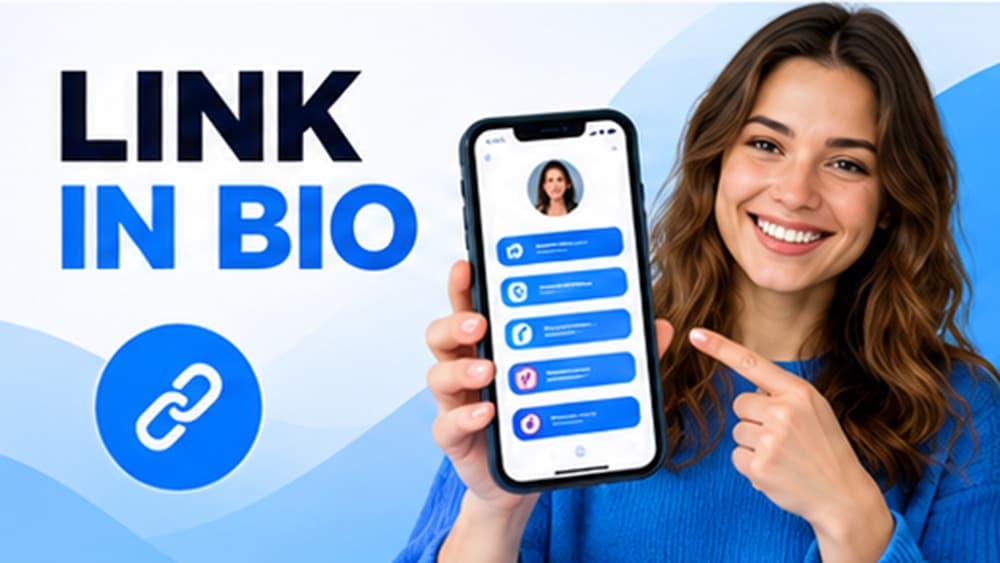
Add the dedicated Link in bio funnel step, keep the page short and mobile-first, prioritize one main destination and use email capture and UTM tracking only when they support a clear acquisition goal.
Design the page for a visitor arriving from a social app on a phone
Most link-in-bio visitors arrive from Instagram, TikTok, YouTube or another mobile social context. They need to understand who you are and which action deserves attention within a few seconds of opening the page.
Place the main destination first and limit the rest to a small number of useful choices. A long directory of links gives every option equal visual weight and makes the page less effective at directing traffic toward the priority offer or resource.
Add the dedicated Link in bio step inside a Systeme.io funnel
Systeme.io currently provides a Link in bio step type inside funnels. Add the step to the appropriate funnel, choose one of the available templates and open the editor to adapt the page to the profile or brand.
Keeping the page inside the same platform as your funnels can simplify maintenance and follow-up. You can connect the visitor to other Systeme.io pages without introducing a separate link-in-bio service solely for the first click.
Treat the top of the page like a compact mobile home page
Use a recognizable image or logo, a clear name and one short line that explains what the visitor can find. The first screen should establish enough context that the buttons below feel like meaningful options rather than unexplained destinations.
Avoid vague motivational taglines when a specific value statement can do the job. A concise description of the tools, content or offer available gives the visitor a better reason to choose one of the links.
Write button labels that describe the actual next step
Name buttons for the destination or outcome, such as Download the guide, See the products, Join the newsletter or Book a call. Descriptive labels reduce hesitation and help visitors choose without opening several links to discover what they contain.
Keep tap targets large enough for mobile use and give the primary link stronger visual priority. The page should create a hierarchy of choices rather than styling every destination as if it were equally important.
Add email capture only when the visitor receives a specific benefit
If the page includes a form, explain exactly what the visitor receives for subscribing: a guide, discount, curated update or another concrete resource. Do not request an email address merely because the editor allows a form to be added.
Connect the form to a tested confirmation and follow-up sequence so the promise is fulfilled immediately. A link-in-bio page should not become a dead end after collecting the contact information you worked to earn.
Track important destinations and test the page from real social apps
Open the published page from the social applications you actually use and tap every button on a real smartphone. Verify destinations, loading behavior, form usability and the spacing around interactive elements rather than relying only on desktop preview.
For links whose traffic source matters, add a consistent UTM convention so analytics can distinguish visits originating from the bio. Systeme.io documents UTM tracking for contacts, which makes disciplined campaign parameters useful when the destination contains an opt-in form.
Check these four signals.
✓The highest-priority destination appears first
✓Button labels describe their destinations clearly
✓Any email form has a specific promise and tested follow-up
✓Every link works from a real phone and important destinations use consistent tracking
Need the bigger picture before choosing a plan?
Open the current offer and check Systeme.io pricing, limits and features before deciding on a subscription.
Official sources for this guide
Software pricing and features can change. Review the official documentation below before choosing a product or plan.